
Table of Contents
Connect
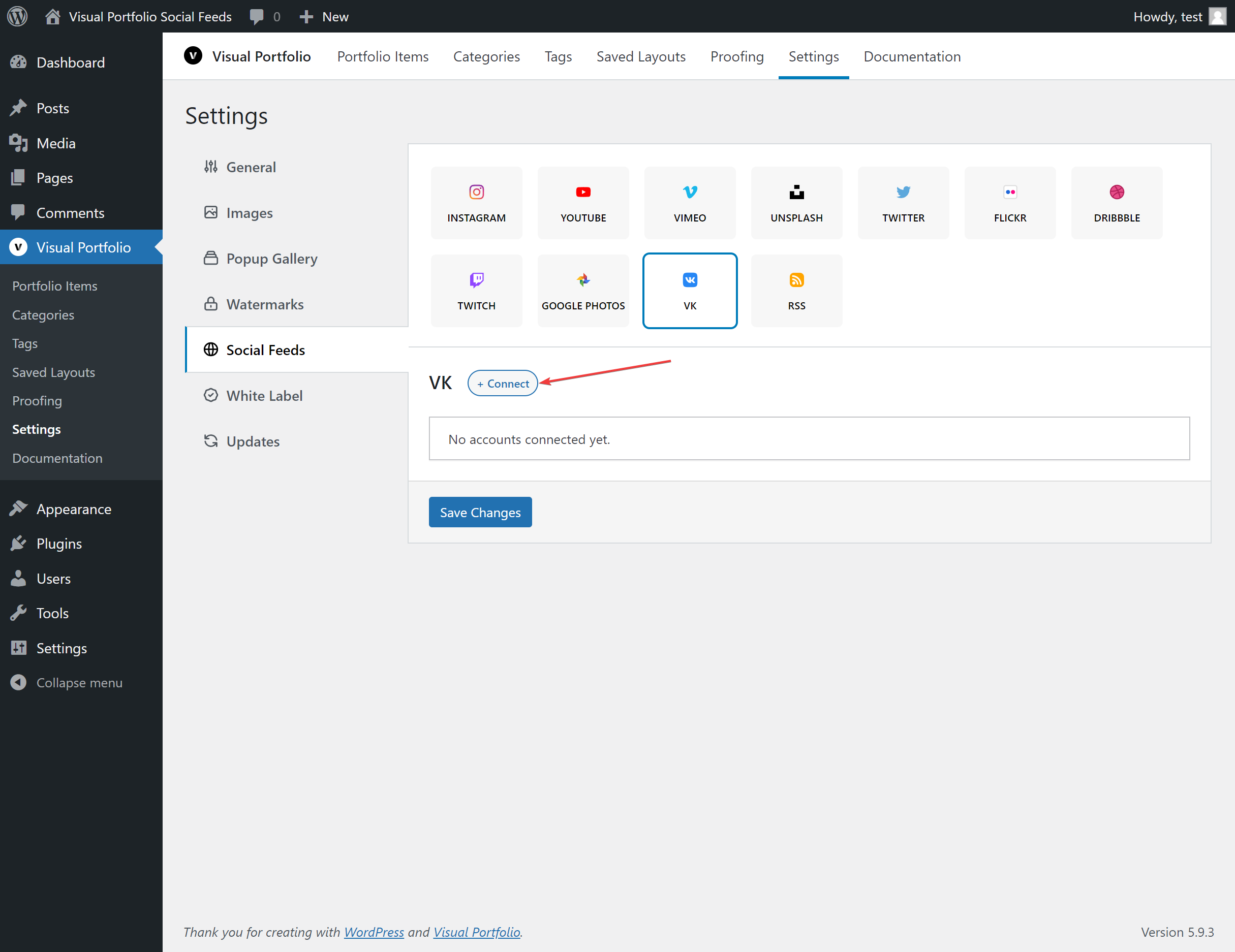
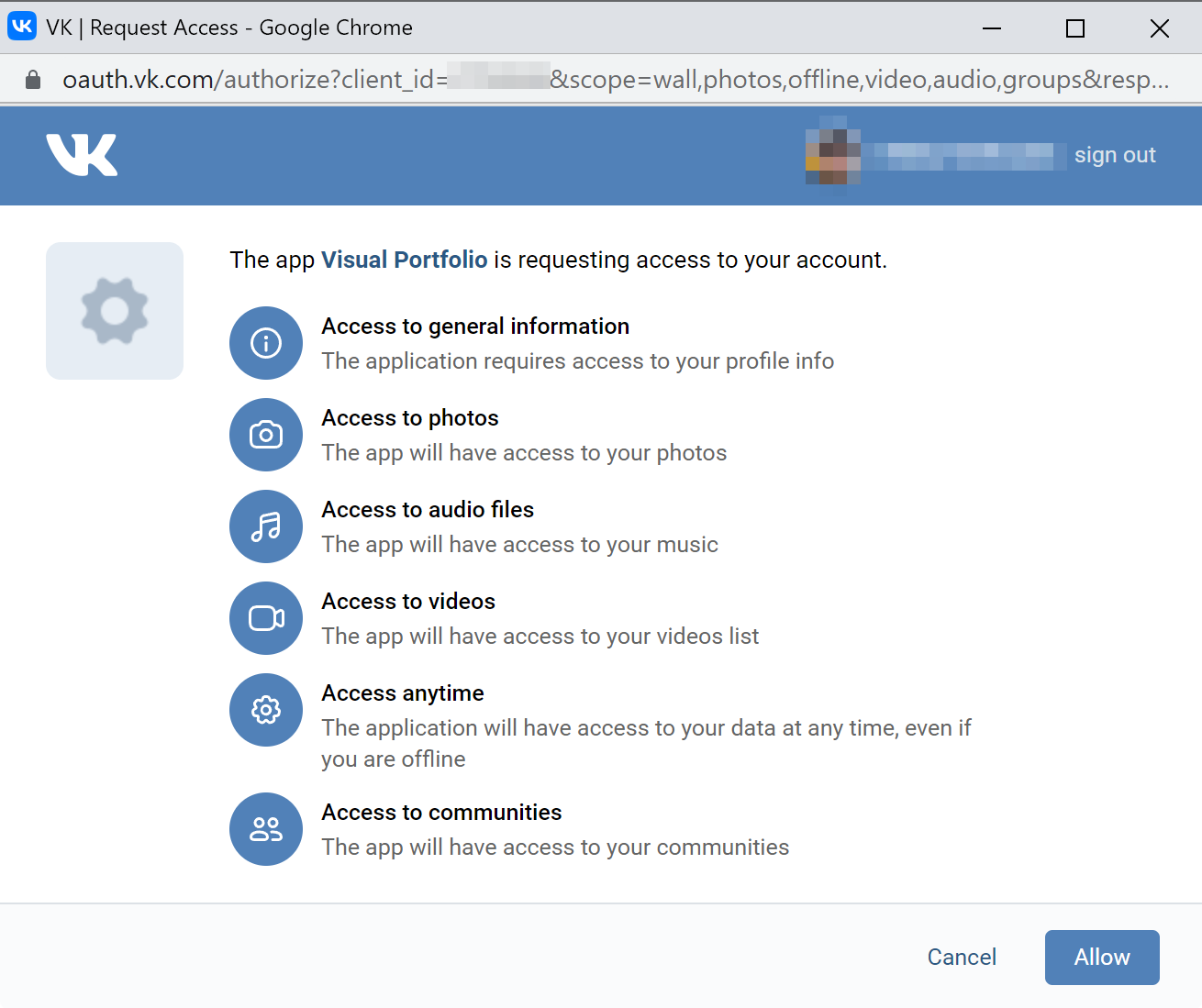
Settings → Social Feeds → VK → + Connect → Get Access Token. Log in to VK in the popup and allow access. The popup fills the name with your VK user name.
Fields
| Field | Values | Default / condition |
|---|---|---|
| Name | Filled from the login: your user name | |
| Max Posts | 1 to 200 | 30 |
After you save, the account imports the posts of your wall.
Source in the block
Available in Visual Portfolio Pro 3.9.0 and later.
Each gallery picks what it shows from the account. In the block, under Account, select a Source.
| Source | Shows | Fields |
|---|---|---|
| Default: Wall | The wall of the connected user | None |
| Wall | The wall of the connected user | None |
| Group | The wall of one group | Group |
The Group dropdown lists the groups of the connected VK user. To use a group the list does not show, select Enter manually… and enter the numeric group ID in ID or URL, such as 1 for https://vk.com/club1. A group URL does not work here.
If the account was saved with a group before, the first option reads As in connection: followed by that group, and galleries that keep it show that group.
The first time the editor previews a source, it fetches that source and shows its first page of posts. Read more in Social.
What is imported
Wall posts with their text, date, likes, and the first attachment as the image (or the video with its title). The post author comes from VK profiles. VK videos are not downloaded; they play through VK’s player.