
Table of Contents
Connect
Settings → Social Feeds → Unsplash → Connect account → Get Access Token. Log in to Unsplash in the popup and authorize the app.
To log in again, for example after the token stopped working, click Edit on the saved account, then Reconnect, confirm, and log in to Unsplash in the popup. Then click Save Changes.
In the gallery block, select the account and a Source. See the next part.
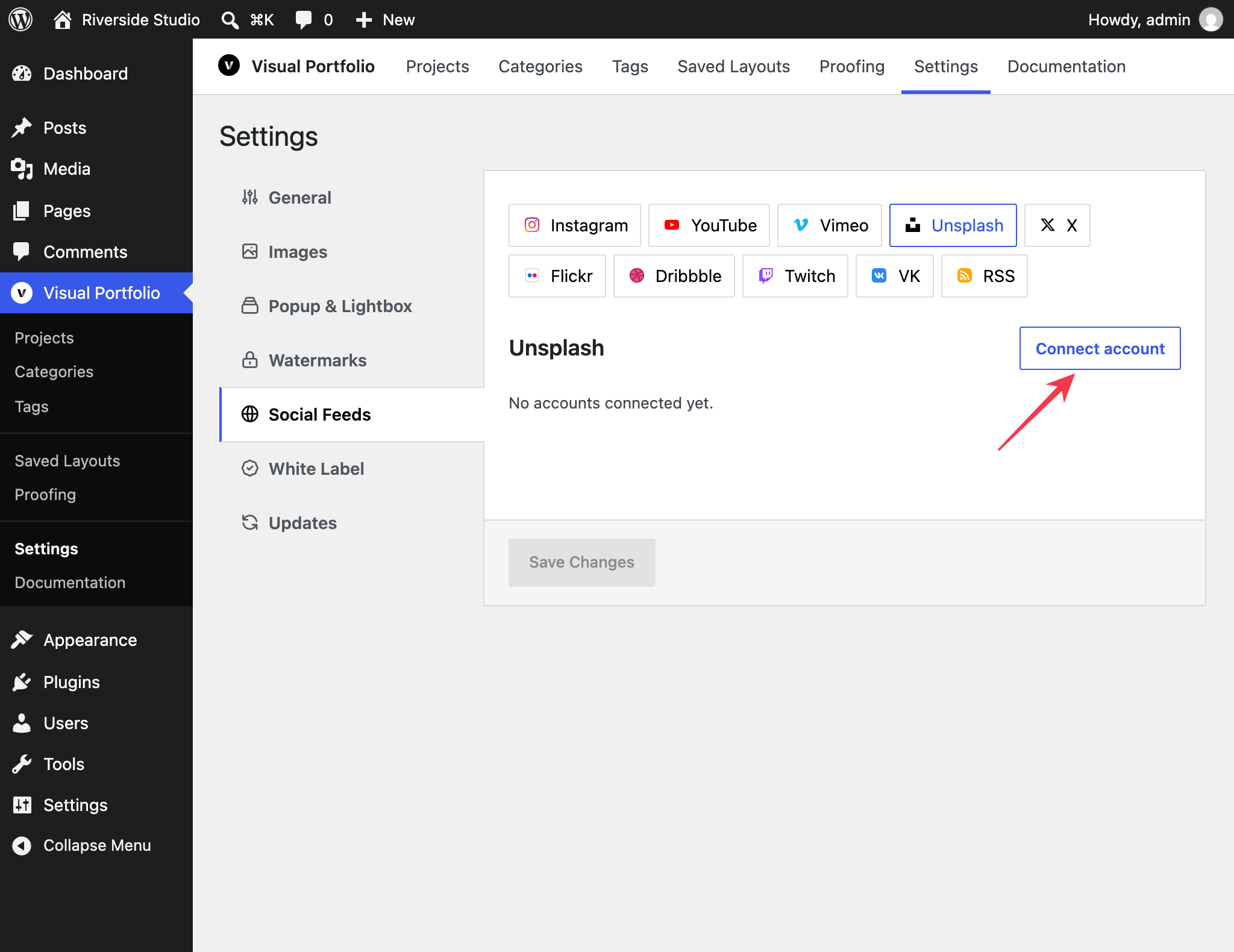

Fields
| Field | Values | Default |
|---|---|---|
| Name | Text | Unsplash Account #n |
| Max Photos | 1 to 200, fetched 30 per request | 30 |
Source in the block
Available in Visual Portfolio Pro 3.9.0 and later.
Each gallery picks what it shows from the account. In the block, under Account, select a Source. Until you pick one, the select reads Choose a source and the gallery shows no photos.
| Source | Fields |
|---|---|
| Search photos | Search terms, Orientation (Any, Landscape, Portrait, Squarish; default Any), Order By (Relevant, Latest; default Relevant) |
| Search collections | Search terms |
| User photos | Username |
| User collections | Username |
| Collection | Collection ID |
If the account was saved with a source before, the first option reads As in connection: followed by that source, and galleries that keep it show that source.
What is imported
Photos with description, date and the photographer as the author (“By Name on Unsplash”, linked with Unsplash’s attribution parameters). Unsplash photos are not stored on your server: they are shown from Unsplash’s CDN at the sizes your Settings → Images define, and the list refreshes every three hours while a gallery shows it. They do not appear in Social Items.