
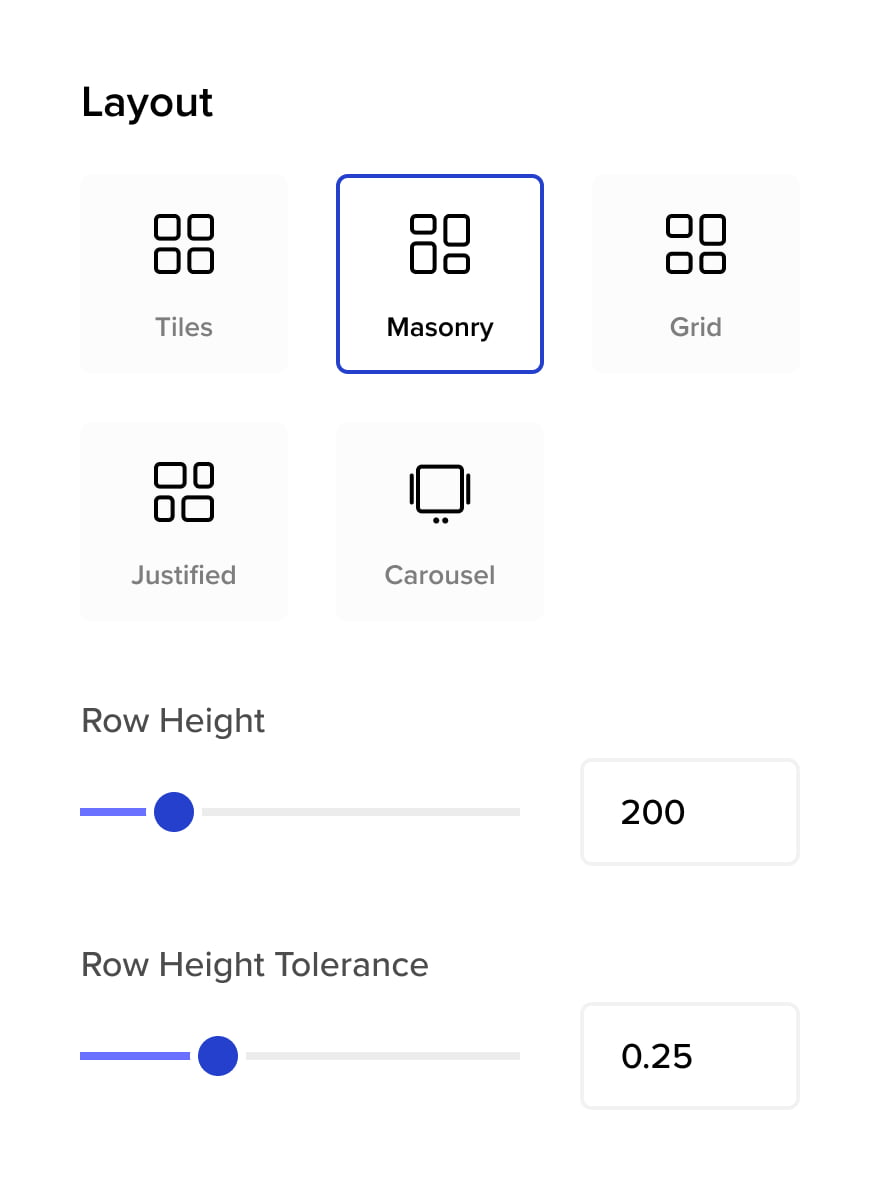
Various Layouts
Five layouts. One plugin.
Pick the one that fits your content.
Young Beautiful Girl

Fashion Model

Stylish Man

Cute Girl

Luxury Woman







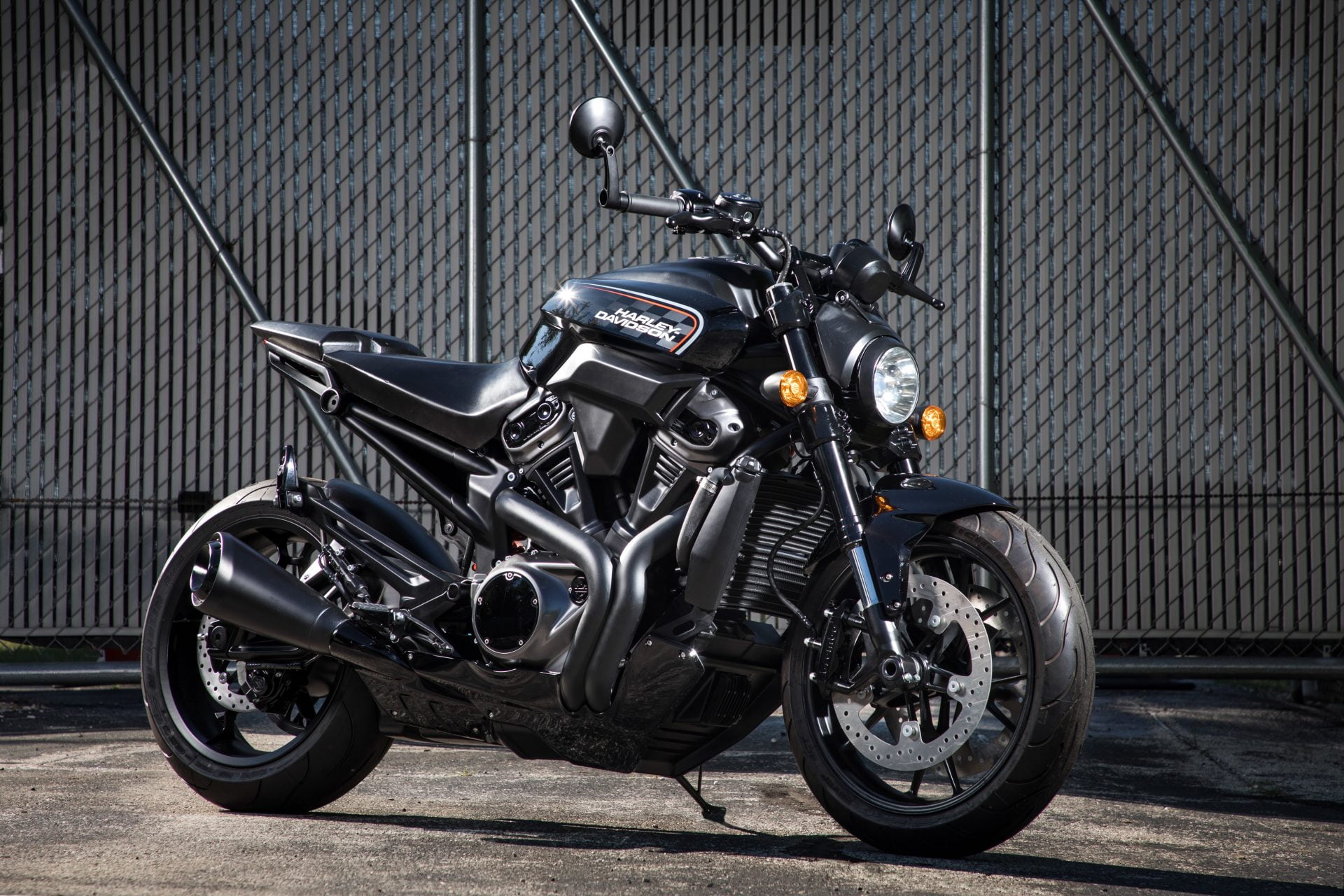
New Motorcycle Sport

Electric Dream

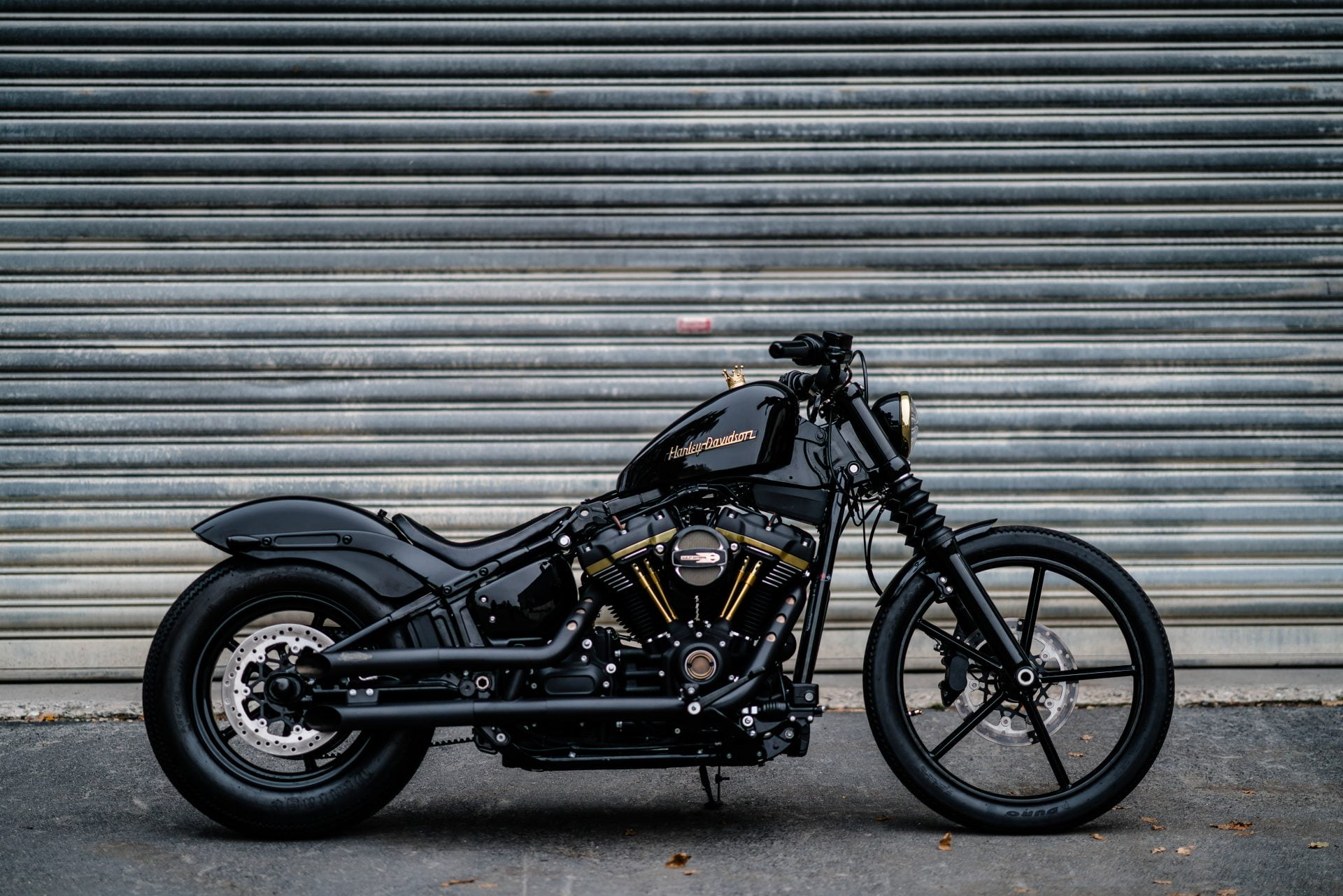
Custom Street Bike
Ride With Confidence

Touring Beast

Your Thunder Dude
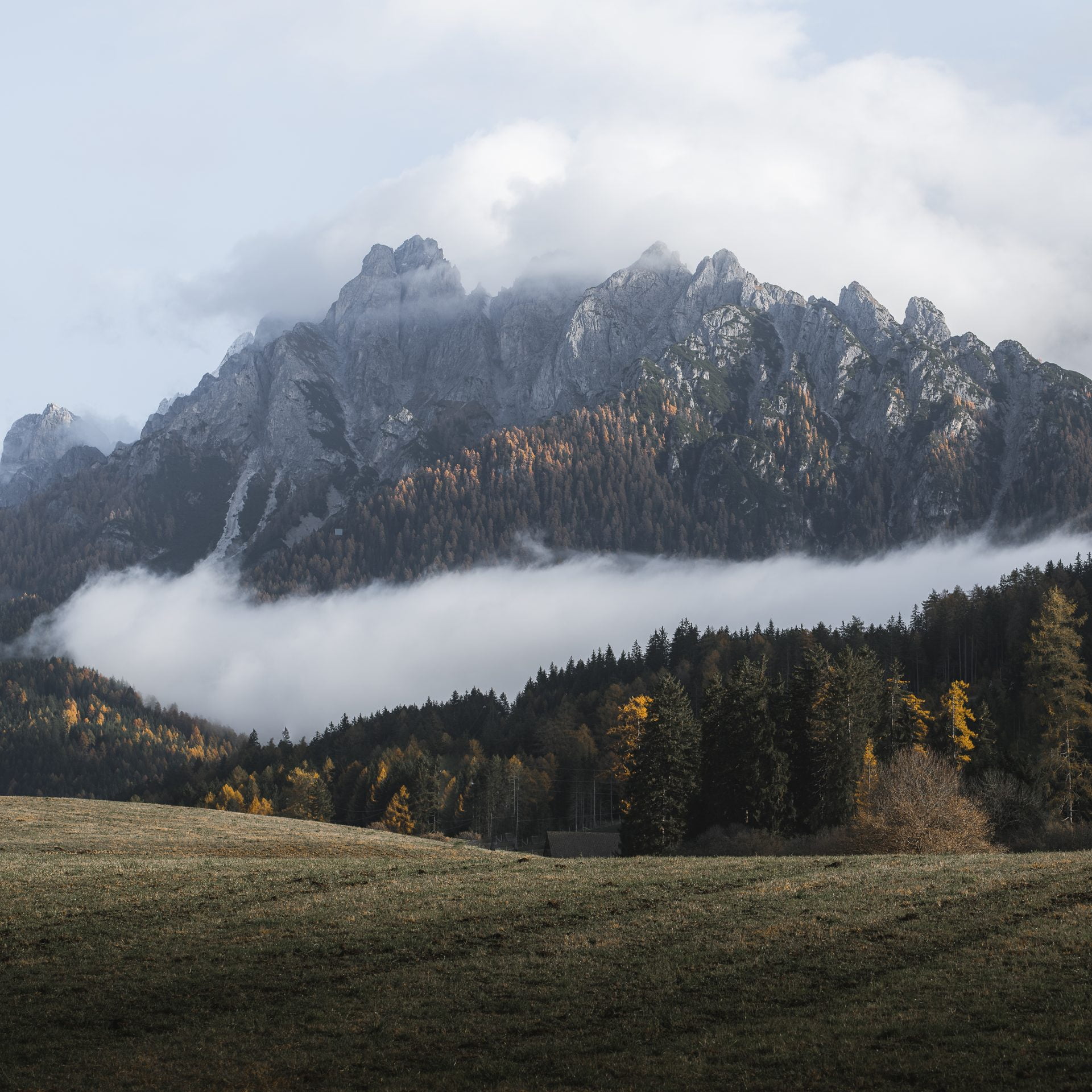
Misty Dolomites valley
Black Canyon of the Gunnison National Park

Torres del Paine National Park, Chile

Cadini di Misurina

Sunset evening view over the snowy mountain peak

Panoramic view of high mountain peaks in snowy and foggy cold day








Skins
Choose from five hover interaction skins or create your own to match your brand and gallery style.




Hover to See Reveal Animation
Stylish Interaction Effects
Hover effects, animated captions, and custom media previews that make your galleries feel alive.

Hover Tilt Effect
Rotate photos in 3-dimensional space using the cursor position.

Caption Move Skin
Your photo captions are magnetized to the cursor position.

Custom Hover Media
Display a different image or a local video while hovering over gallery items.

Mobile Optimized
Looks sharp on phones, tablets, and retina displays.
No extra setup needed.
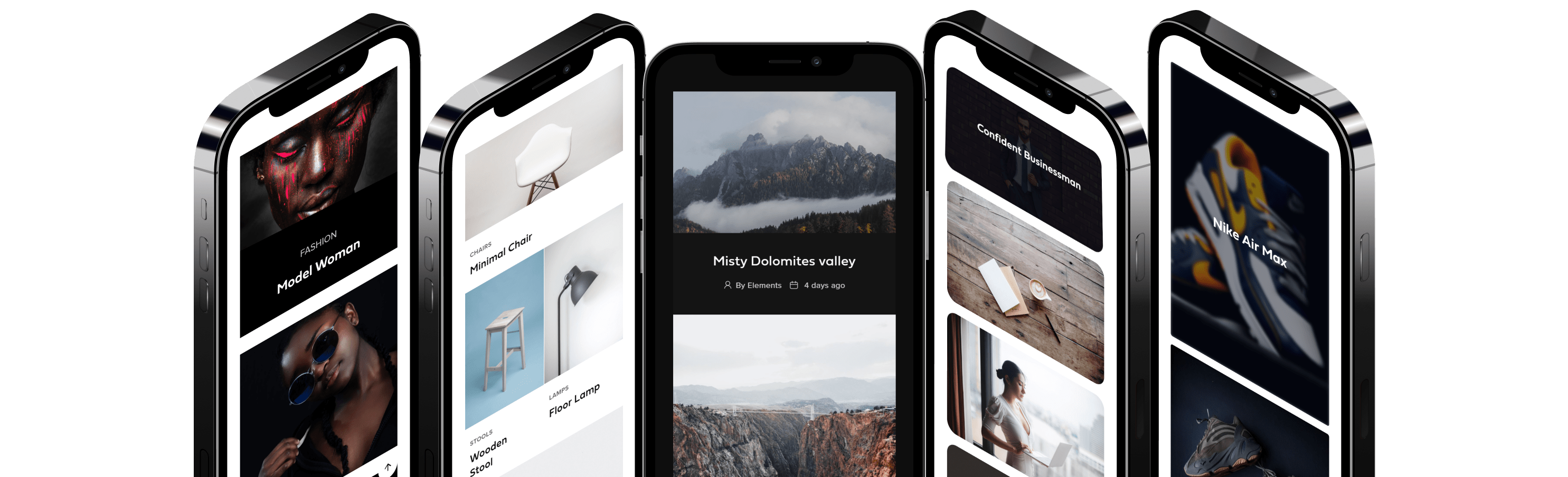
Better Post Grids
Take your content grids further with advanced project formats, custom media previews, taxonomy layouts, and richer media-based gallery items.
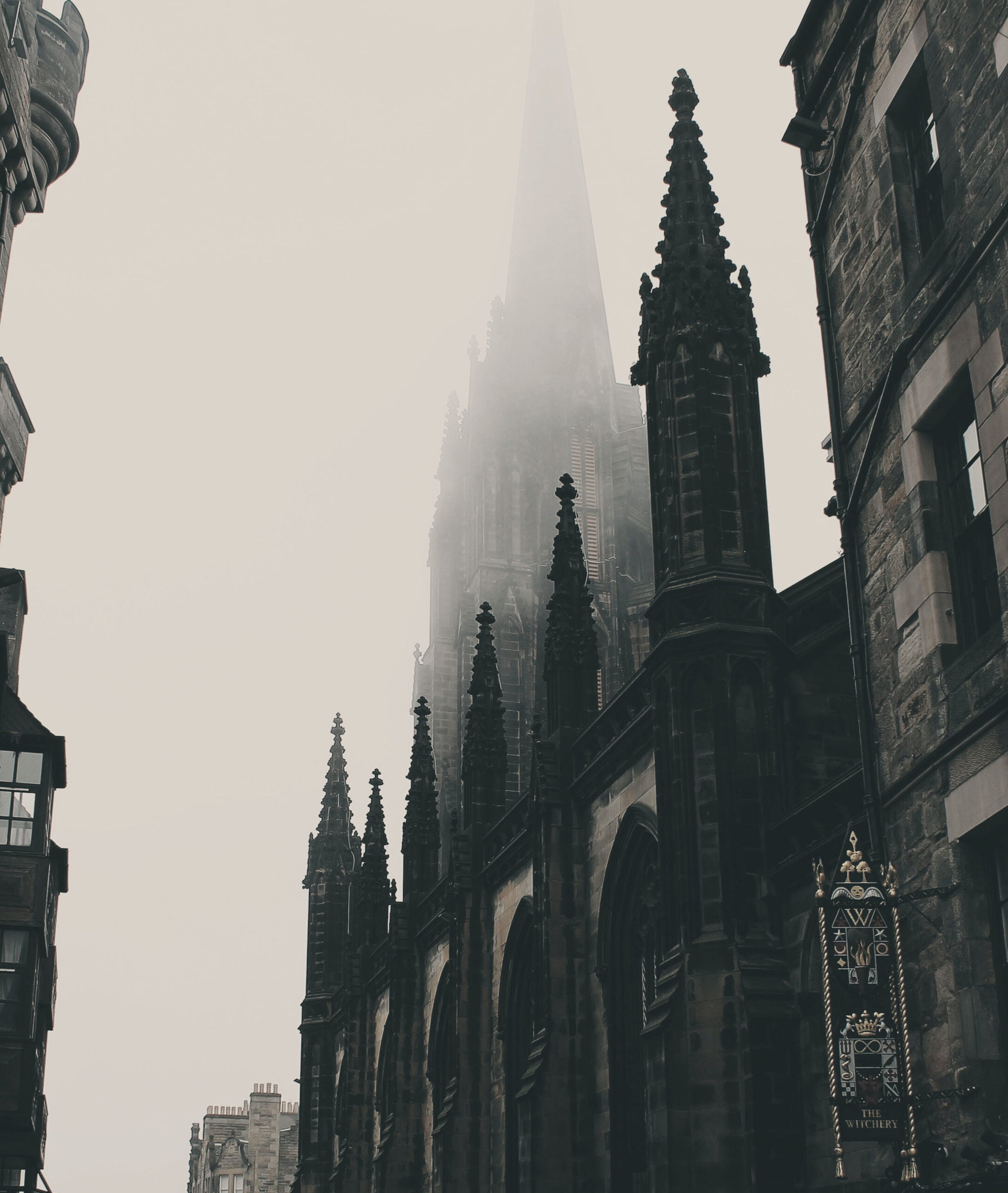
Popup Gallery
Full-featured lightbox for images, videos, and posts.
Works with Visual Portfolio and native WordPress galleries.
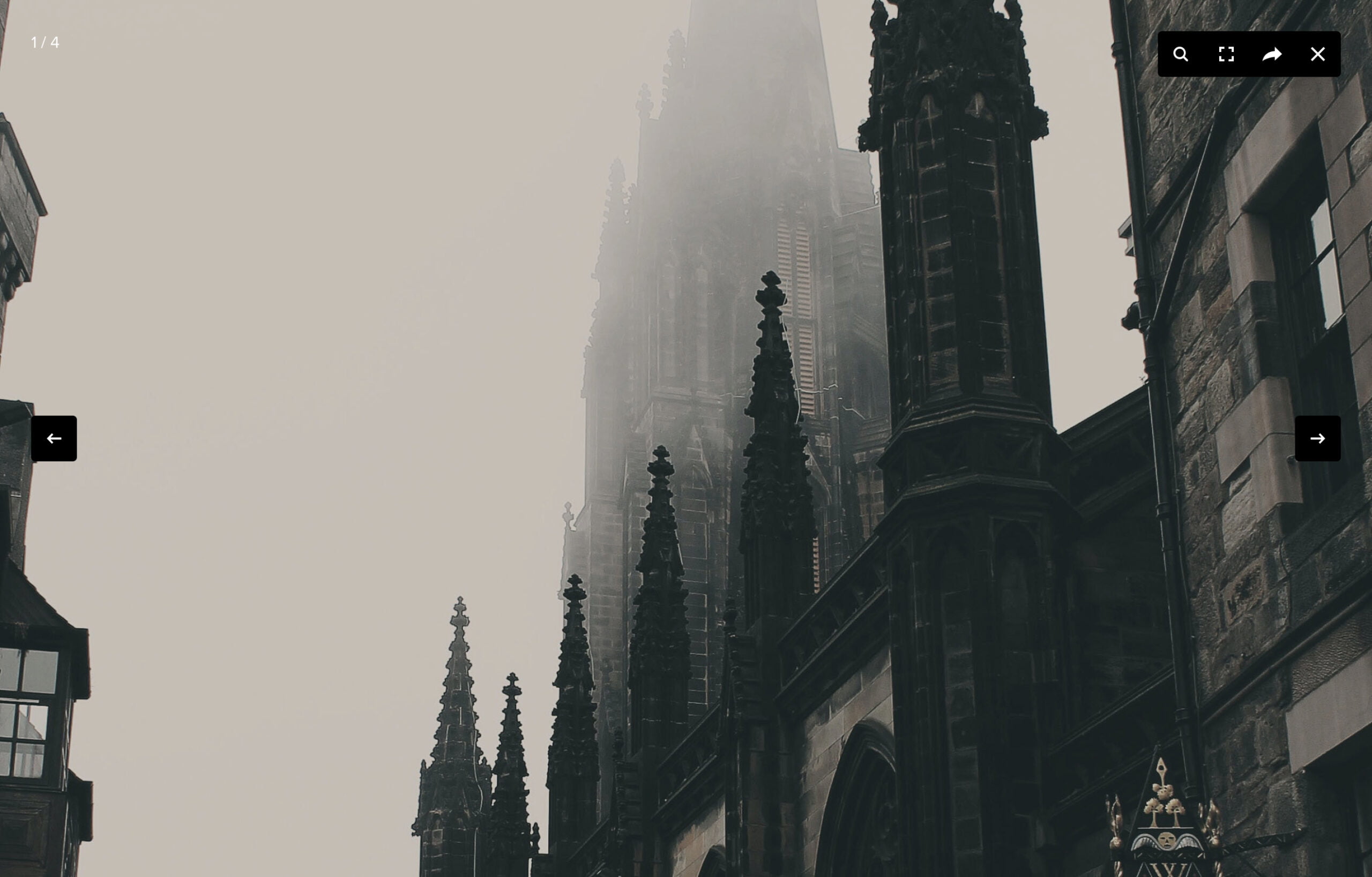
Visual Portfolio includes two high-performance lightbox engines — Fancybox and PhotoSwipe. With lazy loading, retina support, mobile optimization, and deep linking built in.
Social Feeds
Turn Instagram, YouTube, Vimeo, X, and other feeds into branded WordPress galleries with Visual Portfolio Pro.

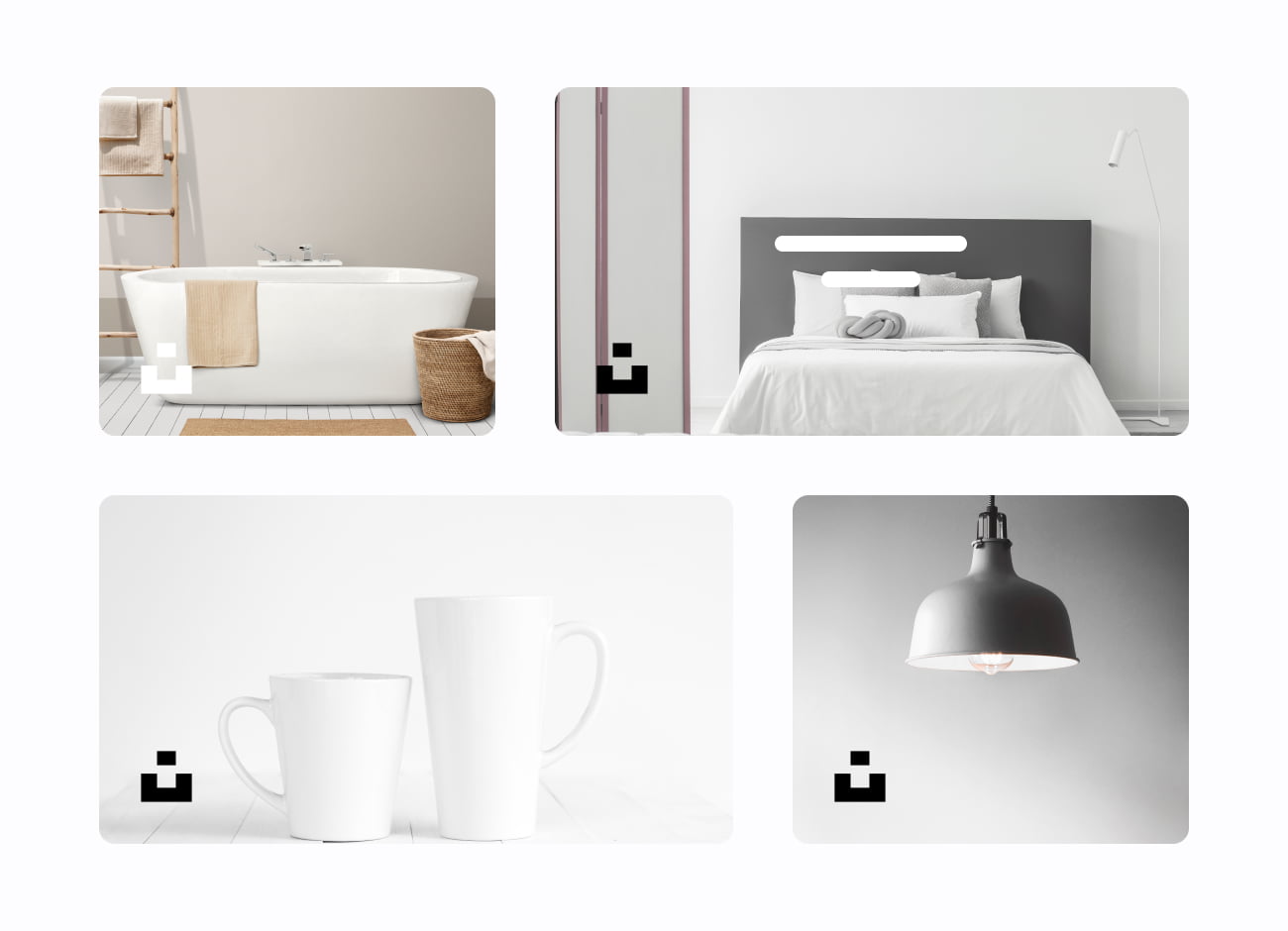



Create Portfolio Galleries Visually
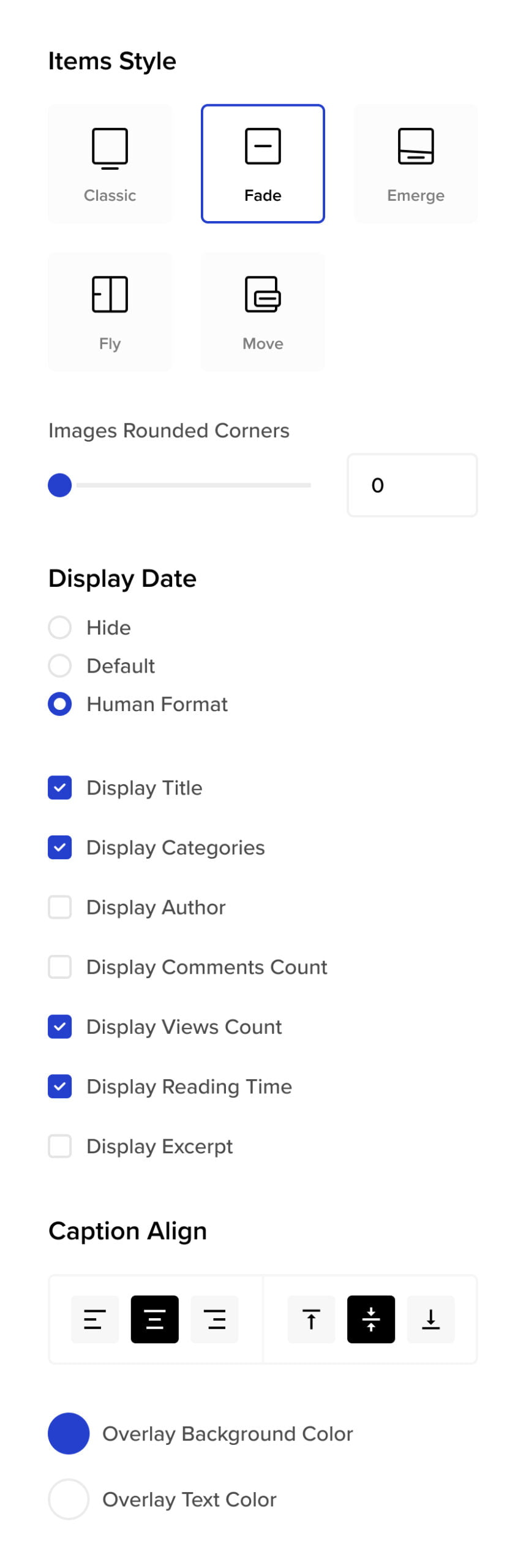
Build any type of galleries for Portfolio right inside your page editor.
Filtering and Sorting
Filter by category, tag, or custom criteria.
Sort by date, title, or anything you configure.
Filtering

Sorting

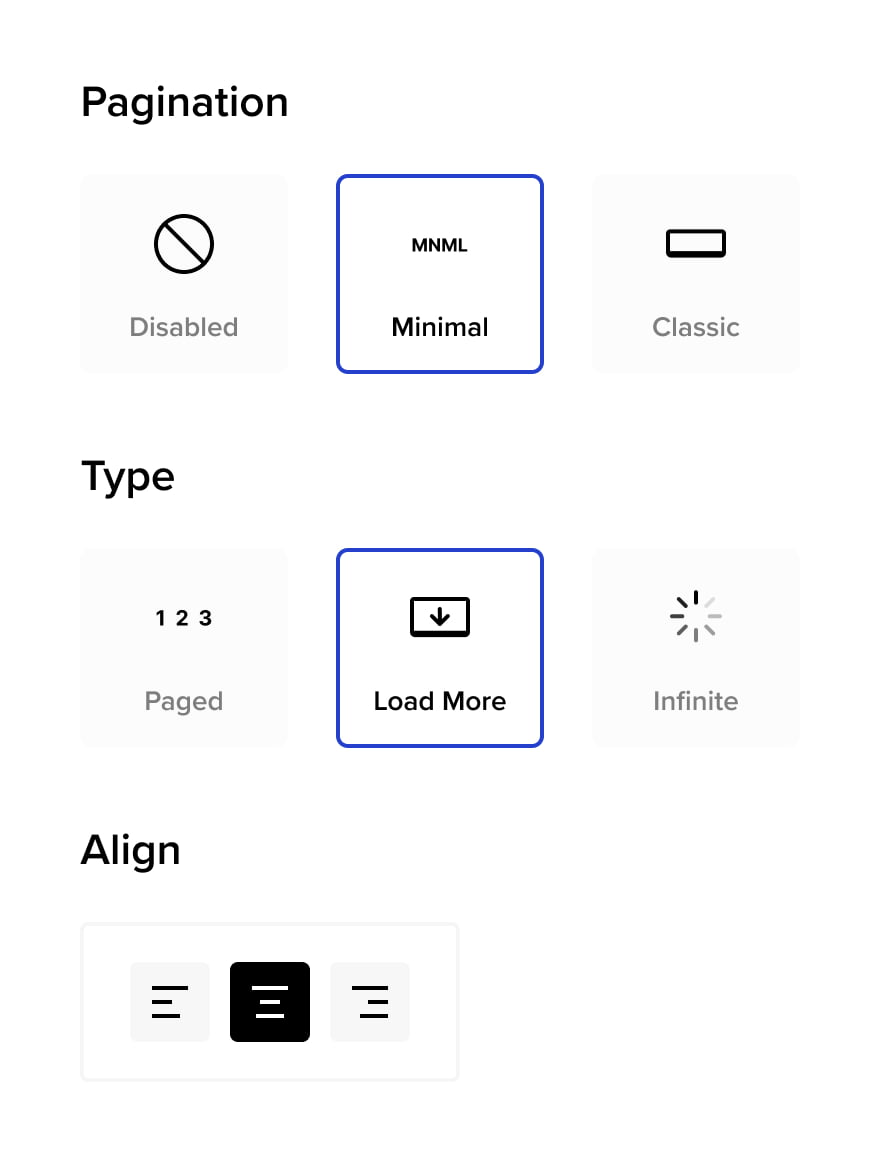
Pagination
Paged, Load More, or Infinite Scroll.
Pick how visitors move through large galleries.
Paged

Load More

Infinite Scroll

Theft Protection
Watermarks, passwords, and age gates.
Layered protection for client work and public portfolios.
Image Filters
and Blend Mode
Use Instagram-like presets or manually customize your images look and feel for default and hover states
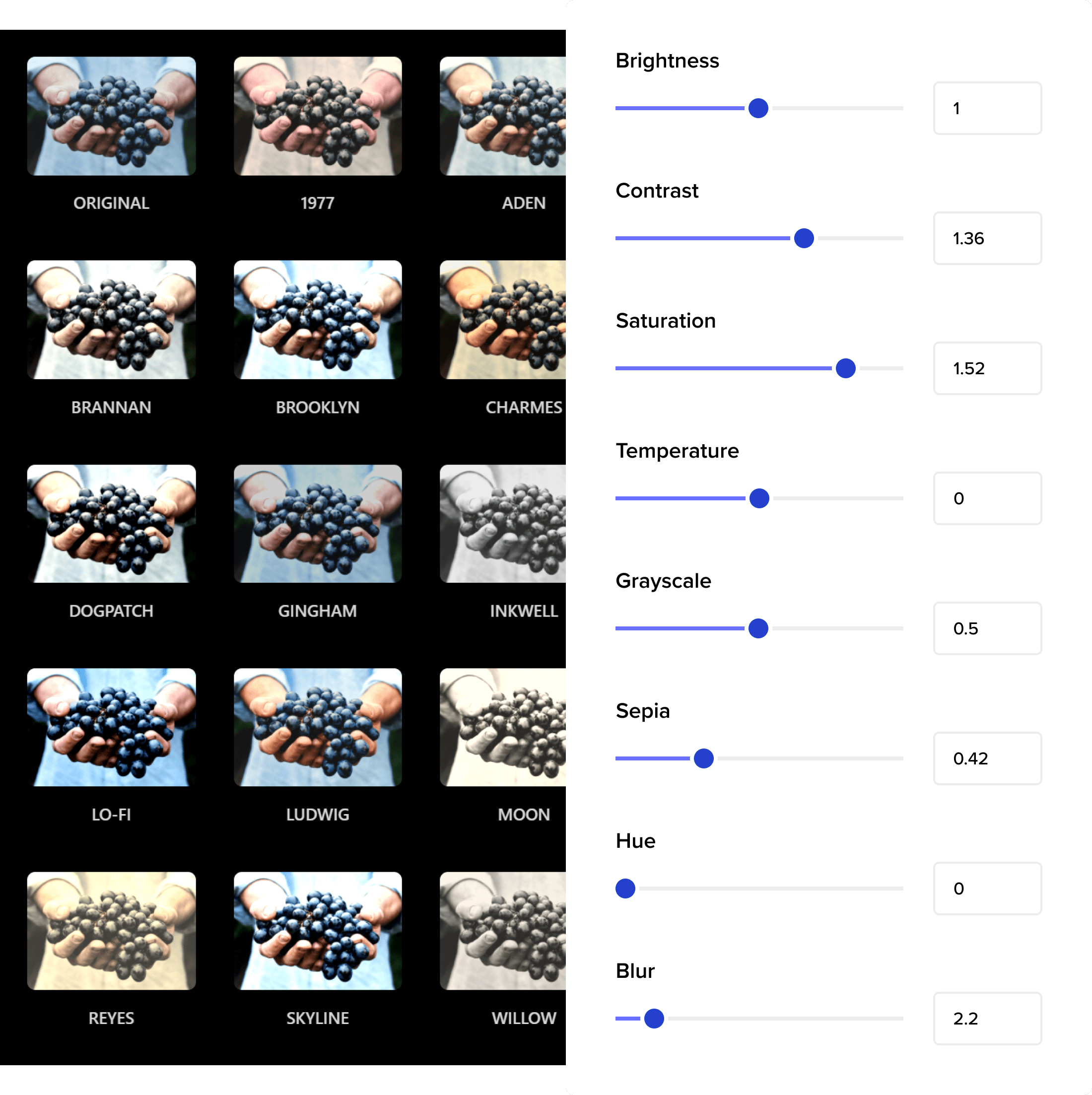
Apply filter presets and blend modes to normal and hover states for a more distinctive gallery look.
Developers Friendly
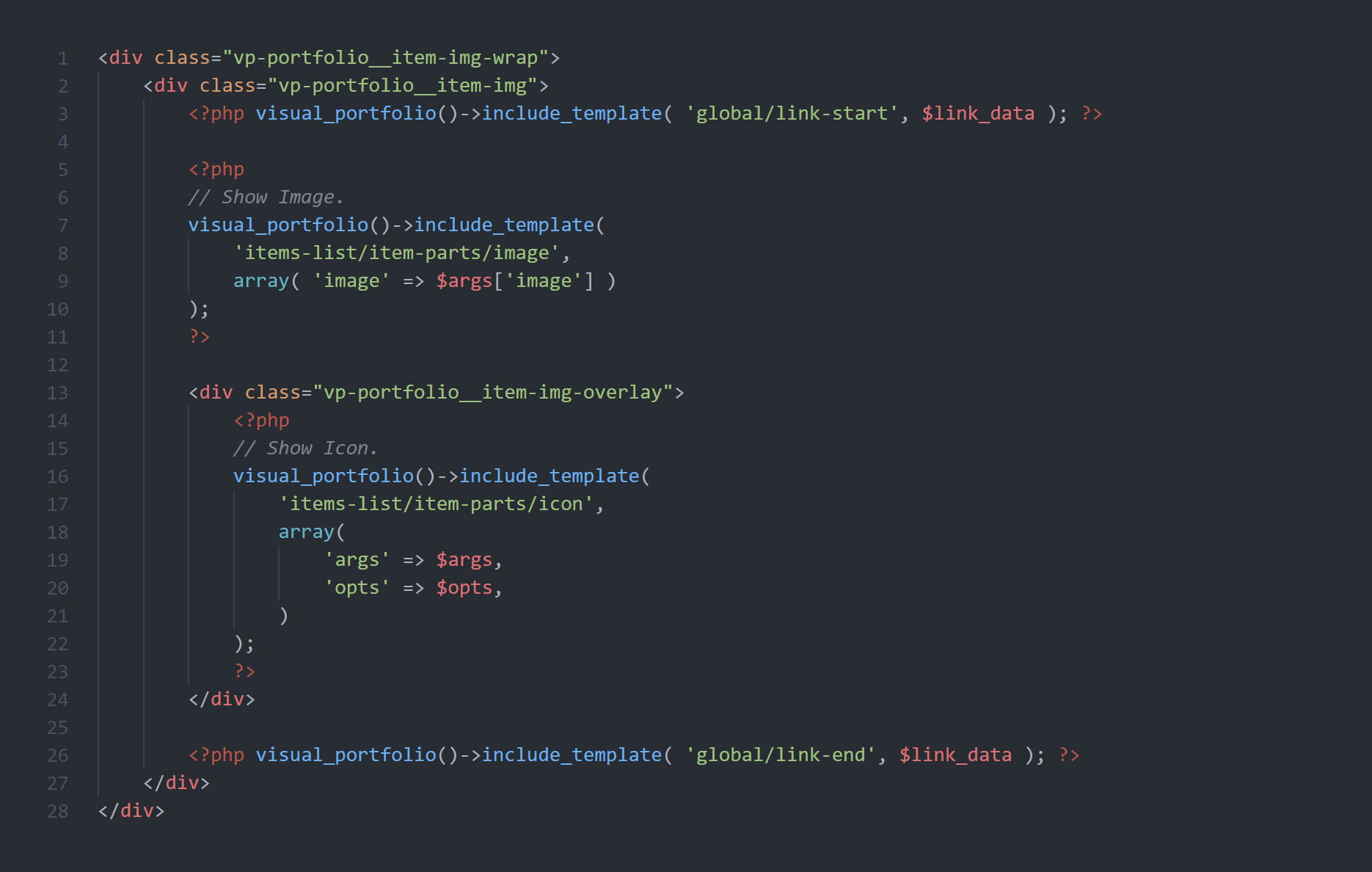
Extend Visual Portfolio with PHP templates, CSS variables, WordPress hooks, and JavaScript events for full control over every gallery detail.
Photos Proofing
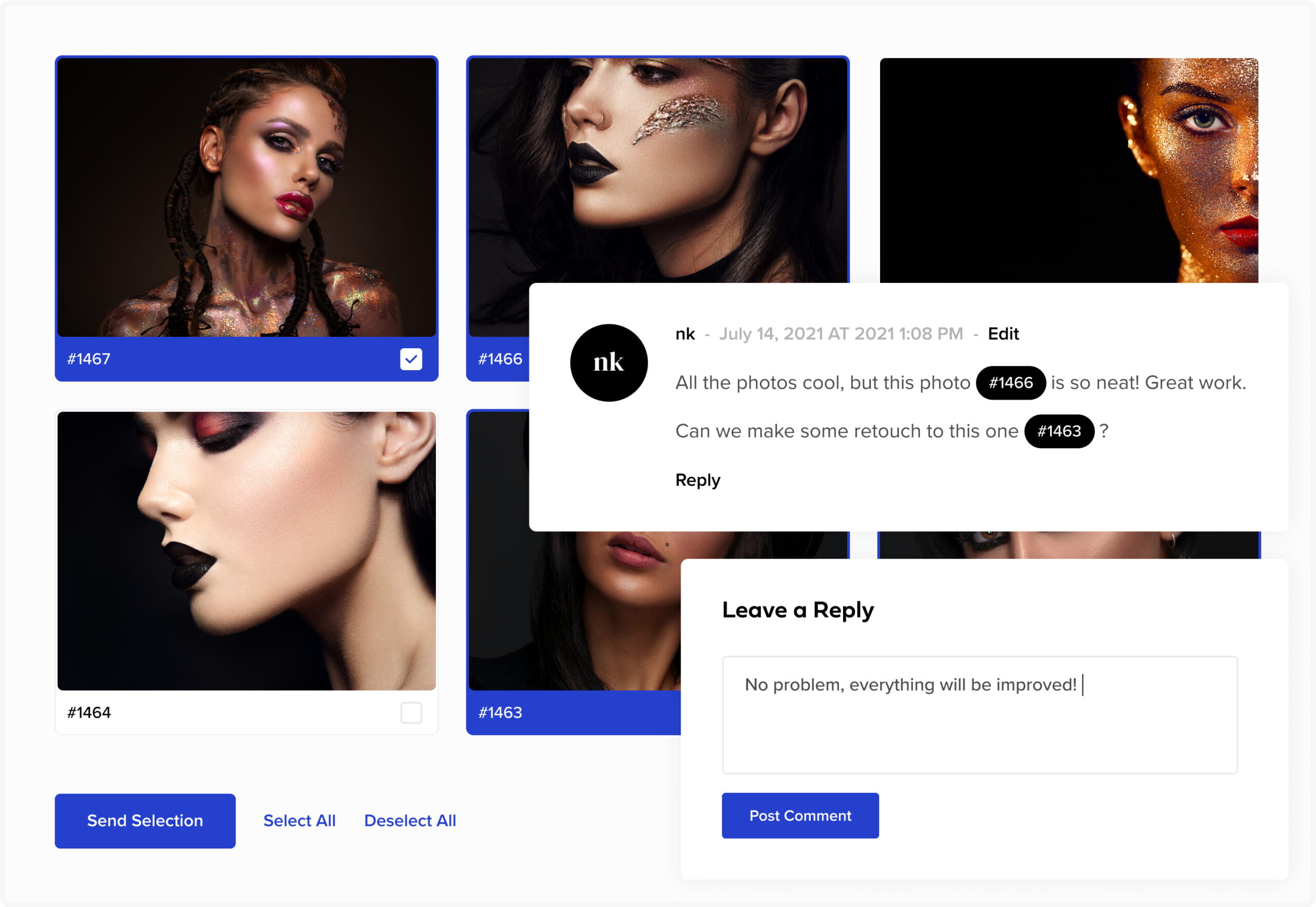
Send. Review. Approve. Photo proofing built into your gallery workflow.
Create Proofing Gallery
Easily create a gallery with photos, as you did before. Change styling, layout, etc. if you want.
Send to a Client
Send photos collection to your client for proofing. The client will be able to leave comments on individual photos and communicate with you.
Get Approval
Once the client approves the selection, you will be able to see the selected photos and copy filenames for post-production.
More Features
And there’s more under the hood.
Testimonials
Don’t take our word for it — here’s what
real users say about Visual Portfolio.