
Table of Contents
Connect
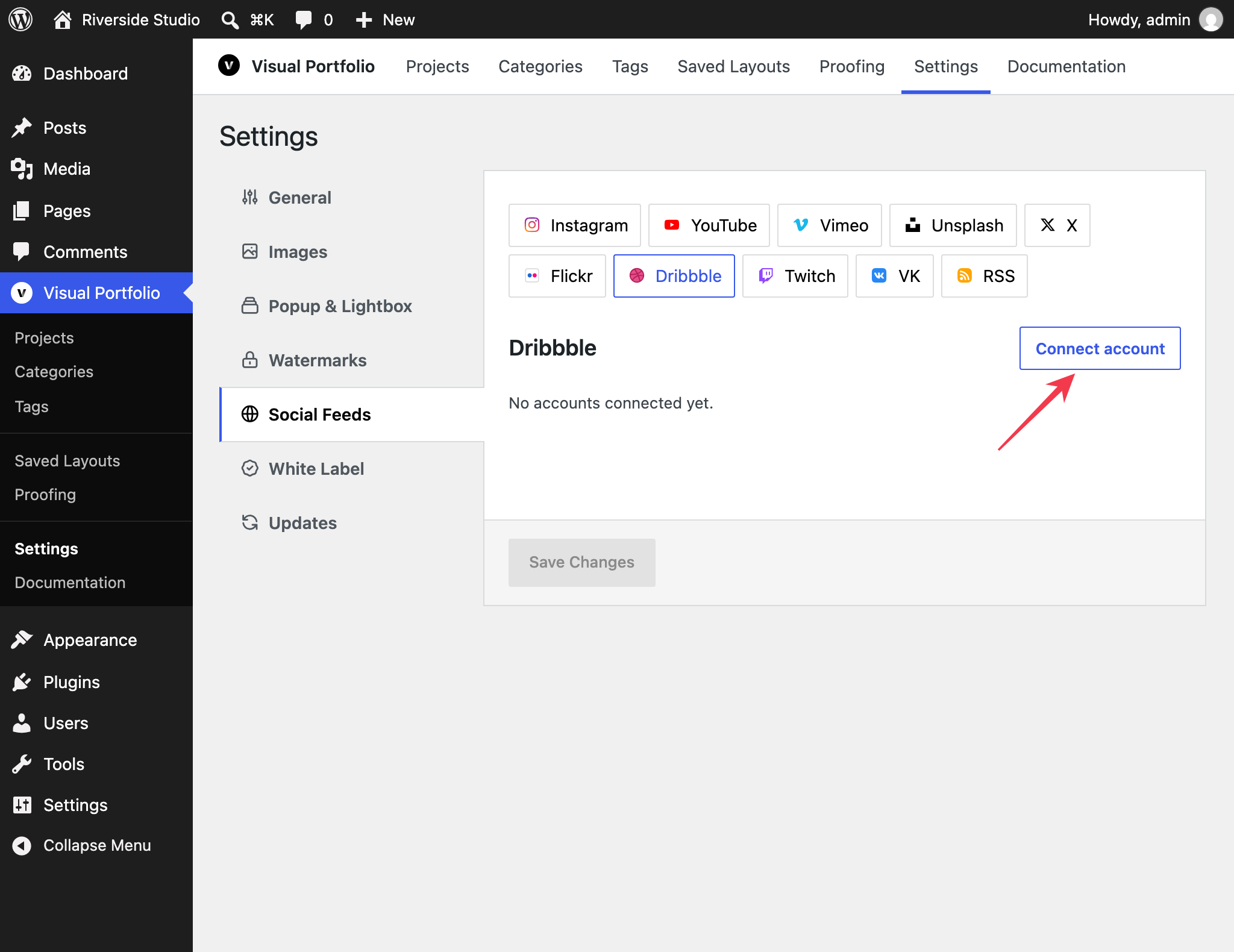
Settings → Social Feeds → Dribbble → Connect account → Get Access Token. Log in to Dribbble in the popup and authorize the app.
To log in again, for example after the token stopped working, click Edit on the saved account, then Reconnect, confirm, and log in to Dribbble in the popup. Then click Save Changes.
Fields
| Field | Values | Default |
|---|---|---|
| Name | Text | Dribbble Account #n |
| Max Posts | 1 to 100 (Dribbble returns at most 100) | 30 |
What is imported
The shots of the connected account (your own shots; the Dribbble API does not expose other users’ shots) with title, description, date, the shot images and video, and you as the author.