
Table of Contents
Connect
- Create an app at developer.vimeo.com/apps.
- Generate a personal access token for the app (Authentication tab; the public scope is enough for public videos, “private” for your private ones).
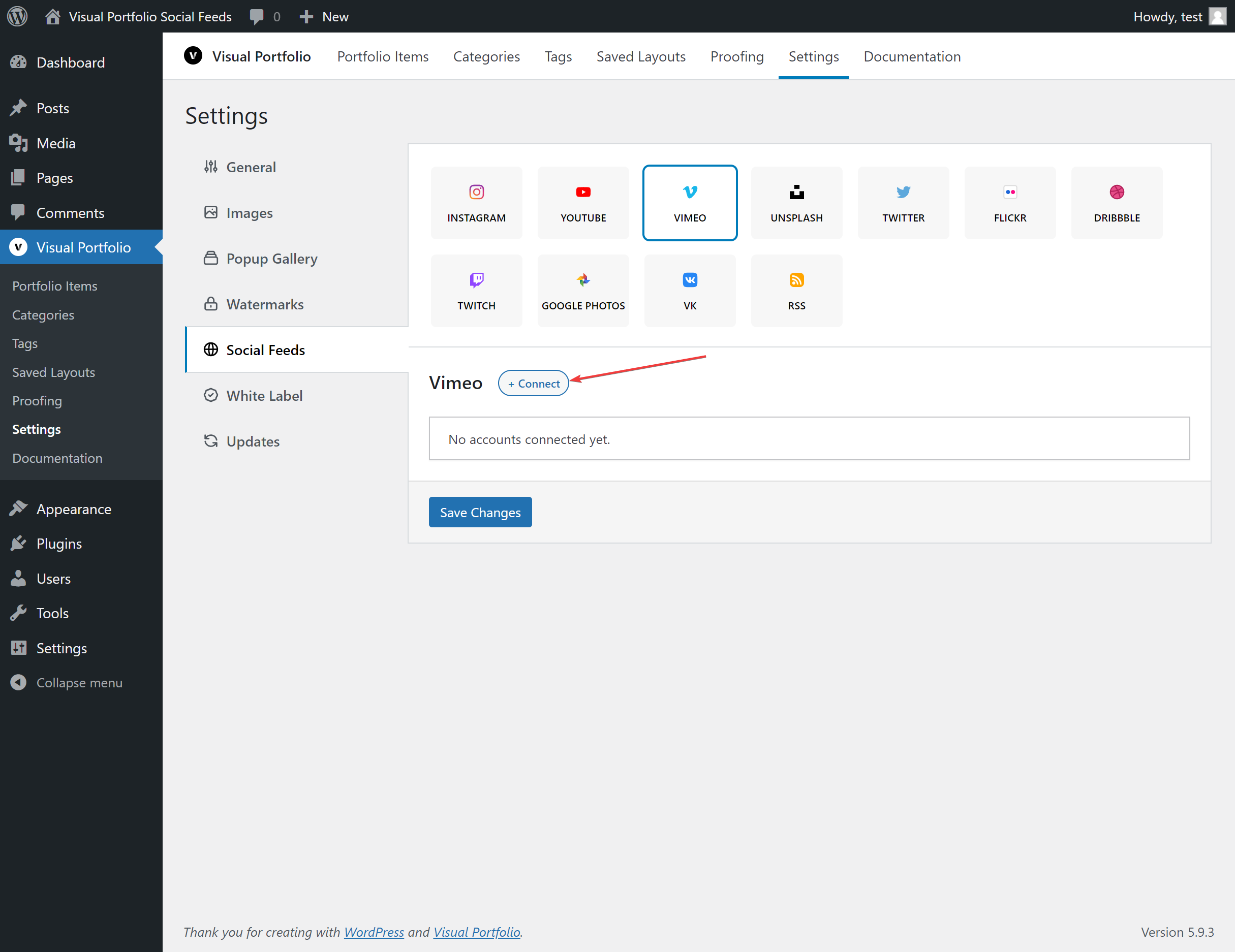
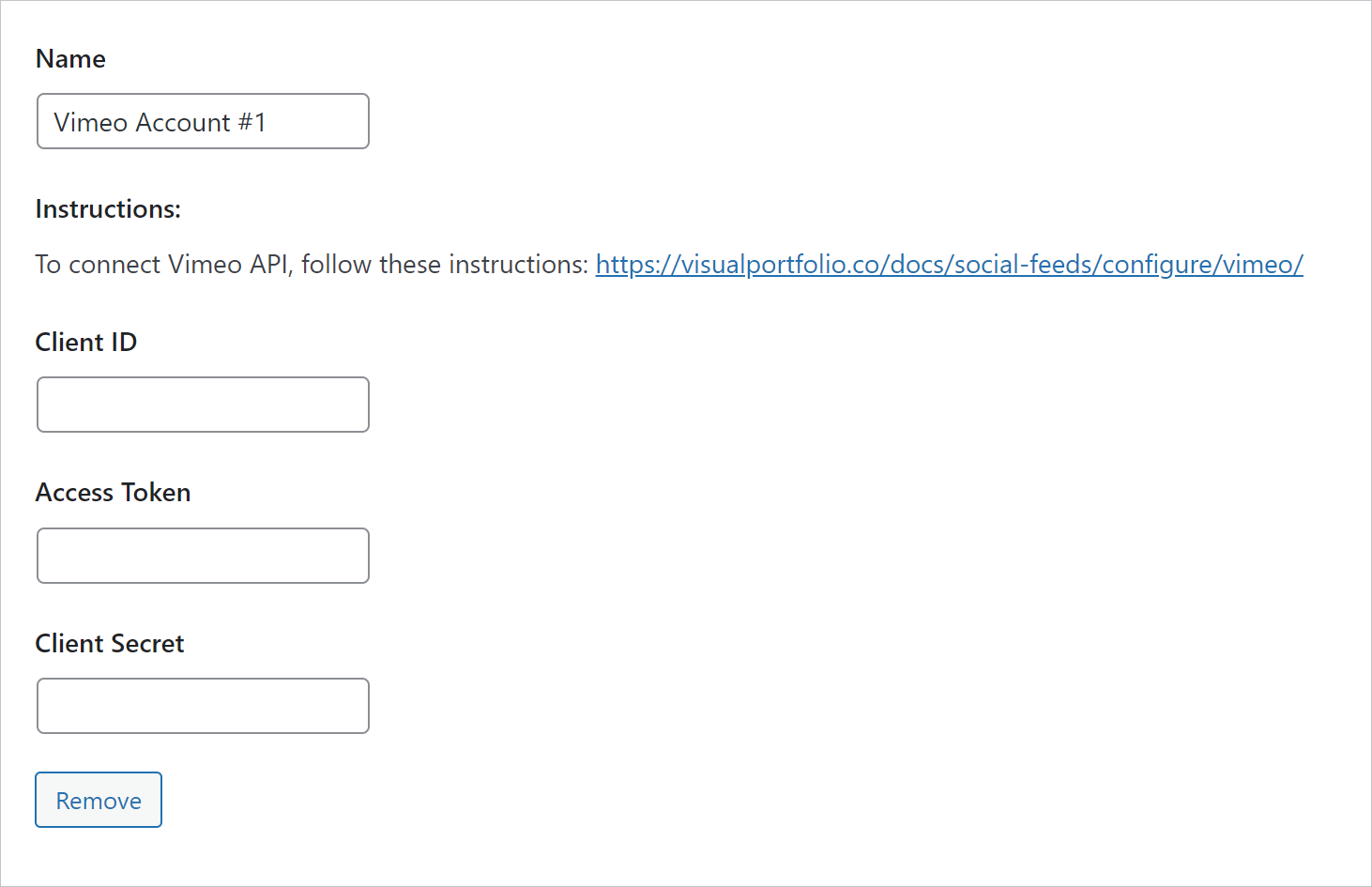
- Settings → Social Feeds → Vimeo → + Connect, paste Client ID (the app’s Client identifier), Access Token and Client Secret, Save Changes.
Fields
| Field | Values | Default / condition |
|---|---|---|
| Name | Text | Vimeo Account #n |
| Client ID, Access Token, Client Secret | From the app | |
| Videos of | User, Album, Group, Channel | |
| User ID | 19246687 from https://vimeo.com/user19246687, or the user name from https://vimeo.com/sportscastaustralia | for Videos of = User |
| Album ID | The number of a showcase: 6040889 from https://vimeo.com/manage/showcases/6040889/info | for Videos of = Album |
| Group ID | motion from https://vimeo.com/groups/motion | for Videos of = Group |
| Channel ID | japan from https://vimeo.com/channels/japan | for Videos of = Channel |
| Max Videos | 1 to 200 | 30 |
Pasting the full URL into the ID field works for users, groups and channels; showcases need the number.
What is imported
Title, description, thumbnails, date, duration, likes and comments count, the uploader as the author. Videos play through the Vimeo player in the lightbox.
Notes
Any API failure shows one message: “Vimeo reports: Please check your Data!”. Check the token scopes, that the videos are public (or the token has the private scope), and that the ID matches the chosen source.