
Table of Contents
Connect
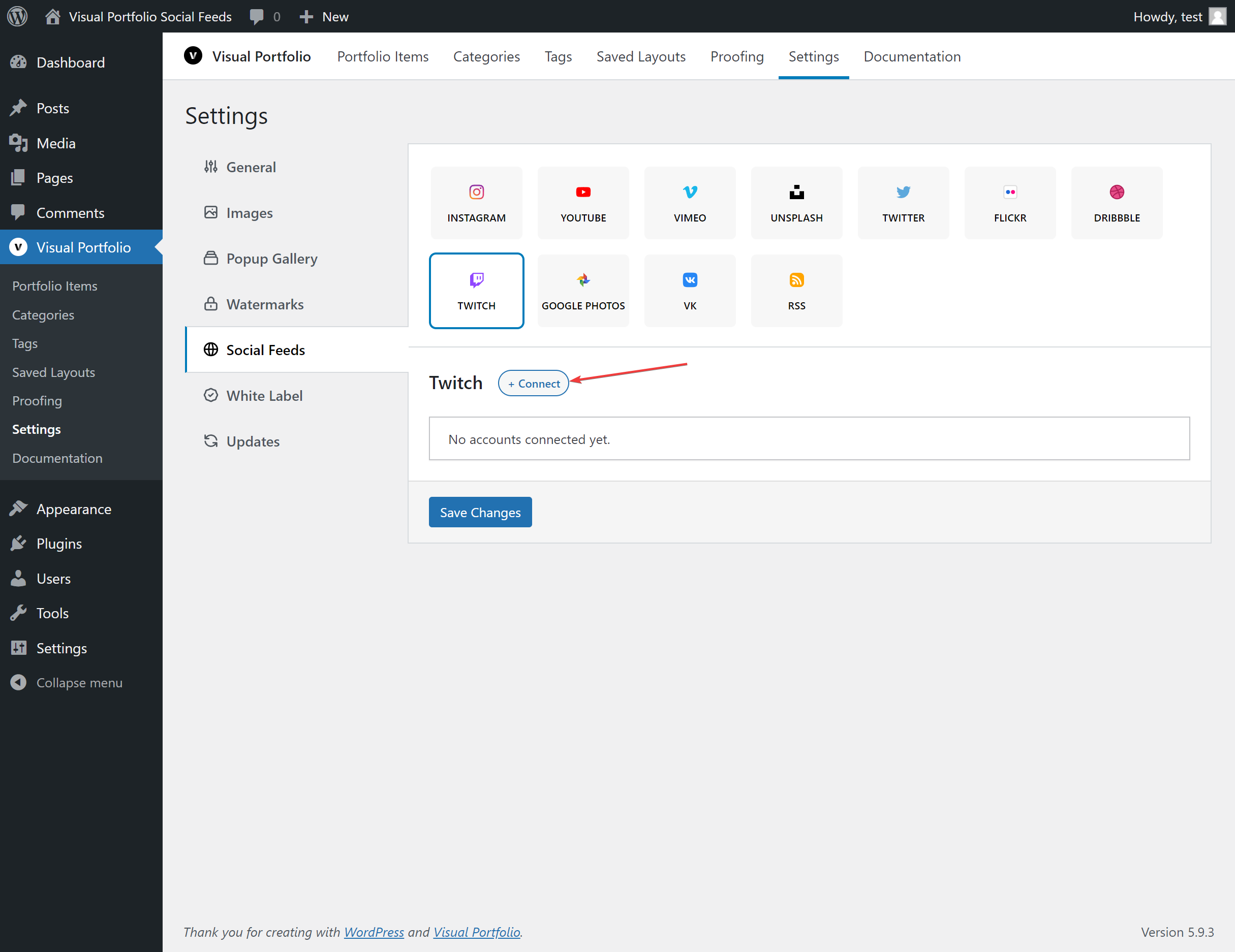
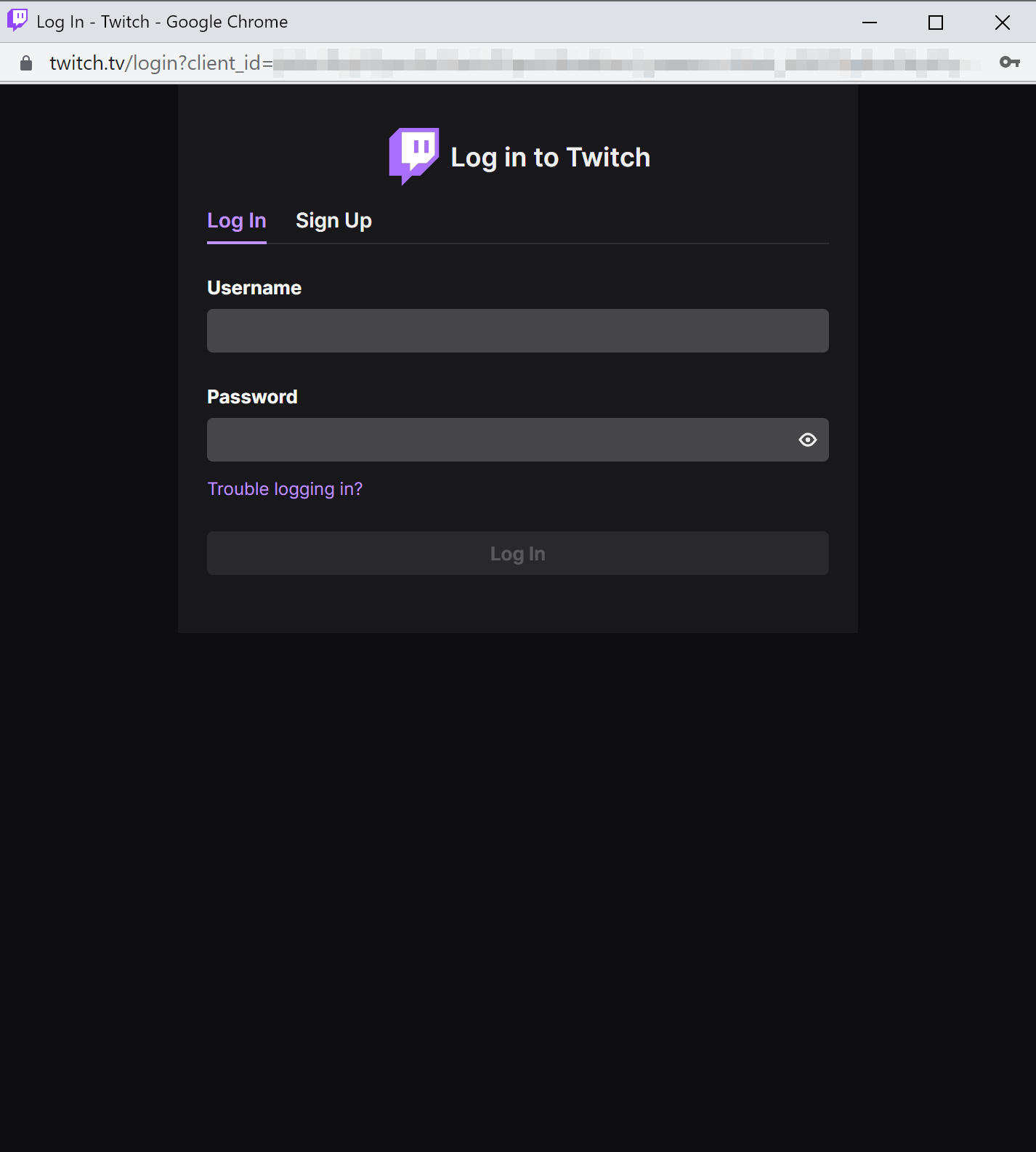
Settings → Social Feeds → Twitch → + Connect → Get Access Token. Log in to Twitch in the popup and authorize the app.
Fields
| Field | Values | Default |
|---|---|---|
| Name | Text | Twitch Account #n |
| Source | Clips, Streams, Videos | Clips |
| By | User Login, Channel Name | |
| User Login / Channel Name | pwrdesports1 from https://www.twitch.tv/pwrdesports1 | |
| Max Posts | 1 to 200 | 30 |
What is imported
Clips, live streams or videos of the channel with title, description (videos), date, views, thumbnails and the streamer as the author. Videos play through Twitch’s player; they are not downloaded. Twitch avatar links expire, so avatars are cached locally.
Notes
The token is renewed every hour while the site’s cron runs. Edit on a saved account validates the token and shows the login it belongs to; Reconnect logs in again.