
Table of Contents
Connect
- Request an API key at flickr.com/services/api/misc.api_keys.html (a non-commercial key is enough for public data; no secret is needed).
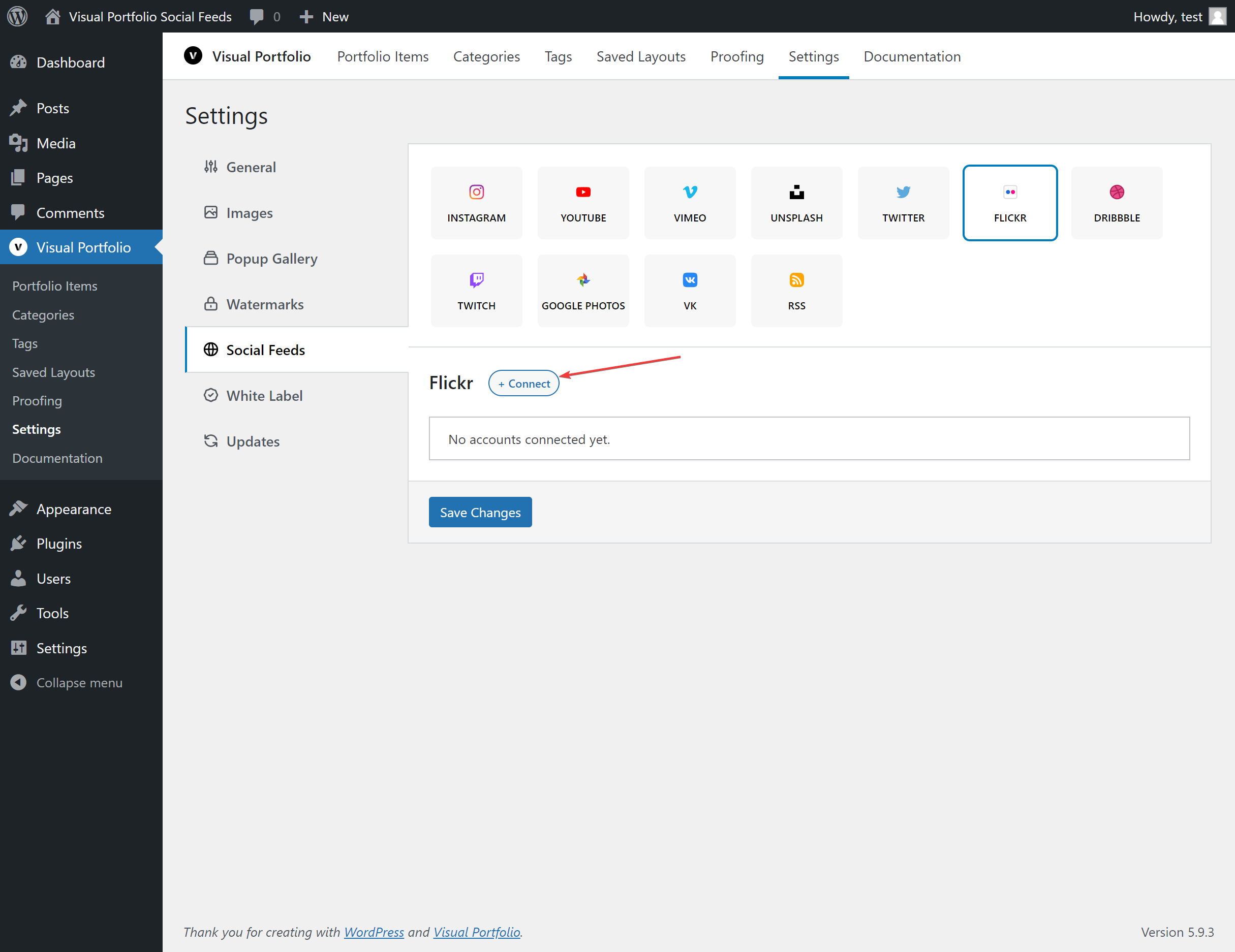
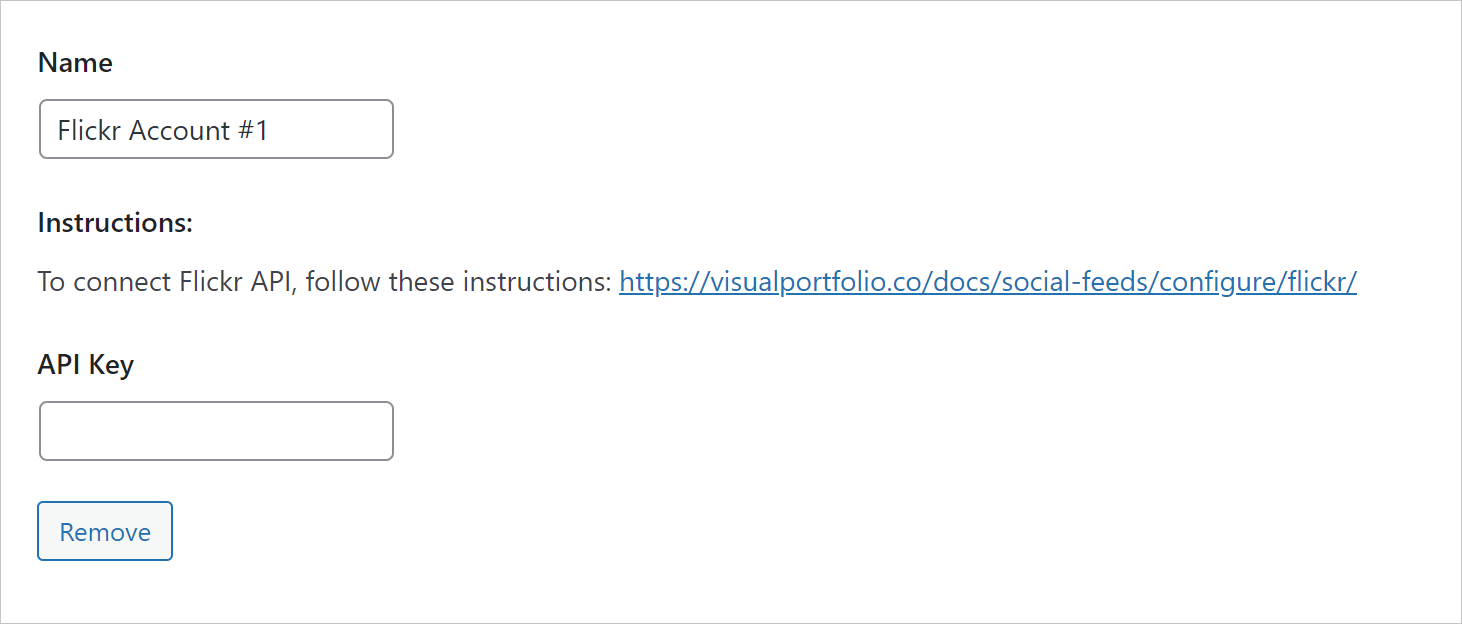
- Settings → Social Feeds → Flickr → + Connect, paste the key, choose the source, paste the URL, Save Changes.
Fields
| Field | Values | Default / condition |
|---|---|---|
| Name | Text | Flickr Account #n |
| API Key | The key | |
| Source | User Public Photos, Gallery, Group, Album | |
| User URL | https://www.flickr.com/people/simpletones/ | for Source = User Public Photos |
| Gallery URL | https://www.flickr.com/photos/simpletones/galleries/72157622969084987/ | for Source = Gallery |
| Group URL | https://www.flickr.com/groups/central/ | for Source = Group |
| Album URL | https://www.flickr.com/photos/gerdavs/albums/72157663545799247/ | for Source = Album |
| Max Photos | 1 to 200 | 30 |
What is imported
Title, description, the date the photo was taken, views and comments counts, all sizes of the photo, and the owner as the author. Tags are not turned into categories.