
Pro Feature
This is a part of the Visual Portfolio Pro plugin.
Purchase the Pro plugin to access this and other advanced features.
Visual Portfolio → Settings → White Label. Replaces the plugin’s name and logos with yours in the WordPress admin.
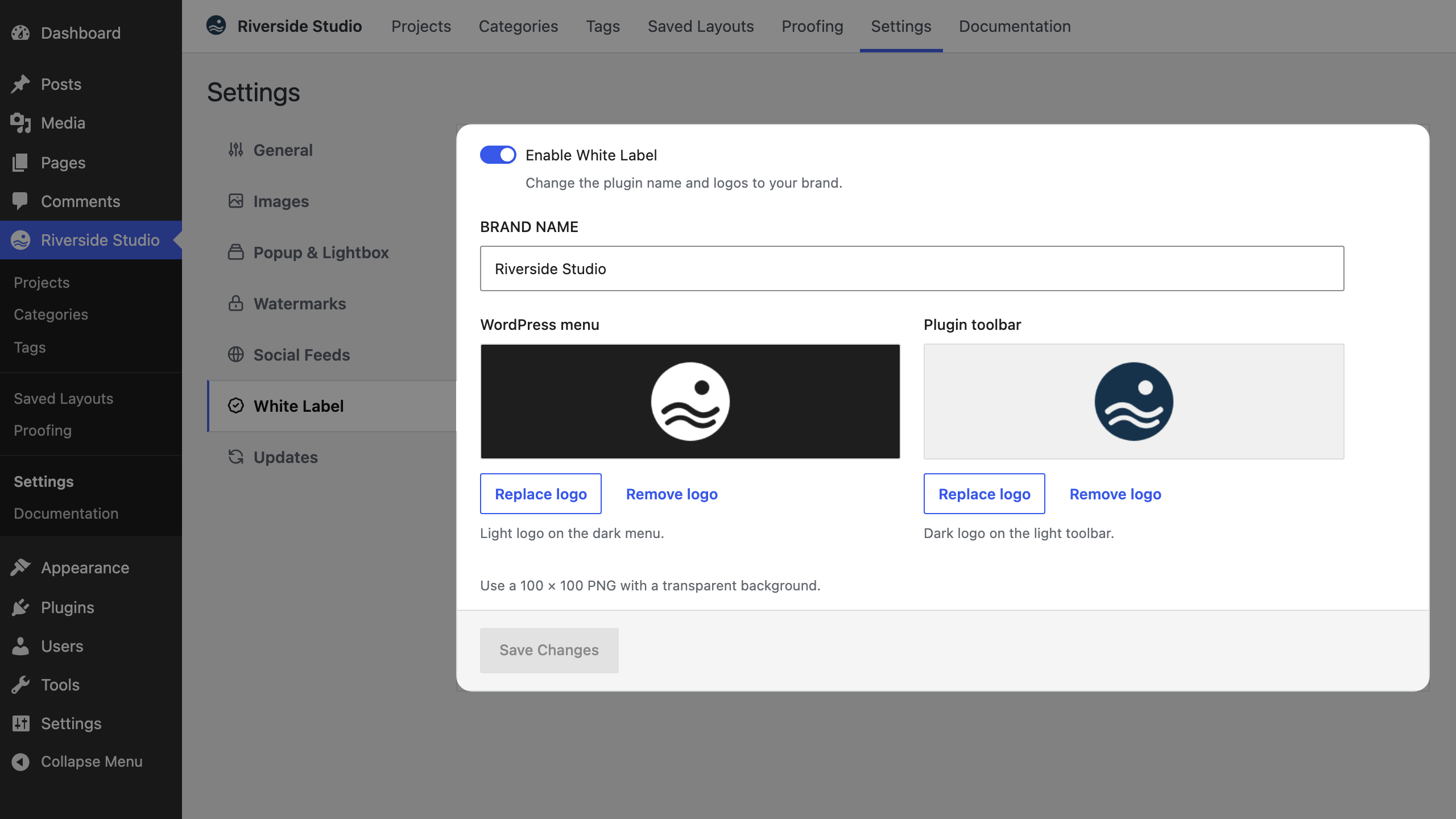
| Setting | Notes |
|---|---|
| Enable White Label | Off by default. Brand Name and the two logos show once it is on |
| Brand Name | Replaces “Visual Portfolio” in the admin menu, block panels, the setup wizard title, post sidebar panels and notices |
| WordPress menu | The light logo. Shown as the icon in the dark WordPress admin menu and on the Classic Editor button |
| Plugin toolbar | The dark logo. Shown in the light toolbar at the top of the plugin’s admin screens, and as the gallery preloader logo on the front end |
Each logo shows a preview on the background it appears on. Choose logo picks one from the Media Library, and Replace logo and Remove logo appear once one is set. Use a 100 × 100 PNG with a transparent background.
Not changed: the plugin’s entry on the Plugins screen, the block name in the inserter search, CSS class names and the visual-portfolio text domain.