
Pro Feature
This is a part of the Visual Portfolio Pro plugin.
Purchase the Pro plugin to access this and other advanced features.
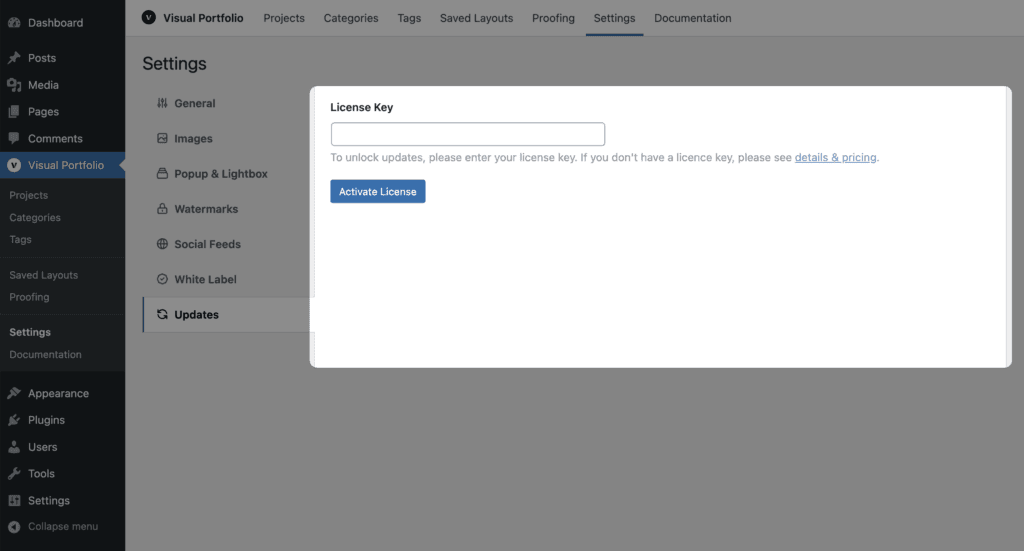
Pro users can insert their license key here and get automatic updates for the Visual Portfolio Pro plugin.
License Activation
- Navigate to Visual Portfolio → Settings → Updates
- Enter your license key in the provided field
- Click “Activate License”
Once activated, your site will be eligible for automatic updates and support. Keeping your Visual Portfolio Pro plugin updated ensures you have access to the latest features, improvements, and security updates. Make sure to keep your license active and renewed to make the most of your Pro subscription.