
Table of Contents
Shows posts. Pick a post type or one of the query modes, then narrow the query.
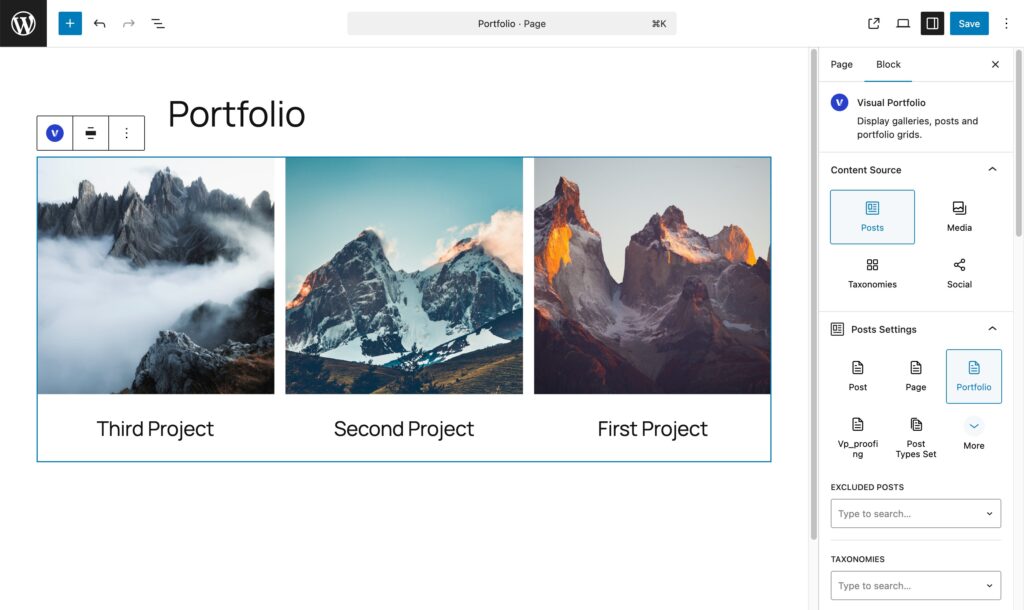
Source
| Option | What it shows | Settings available |
|---|---|---|
| A post type (Post, Page, Portfolio, any public type) | Posts of that type | All of the below |
| Post Types Set | Several post types together | Post Types, then all of the below |
| Manual Selection | Exactly the posts you pick | Specific Posts, Order by, Order Direction. Excluded Posts, Taxonomies and Offset are disabled; sticky posts are ignored |
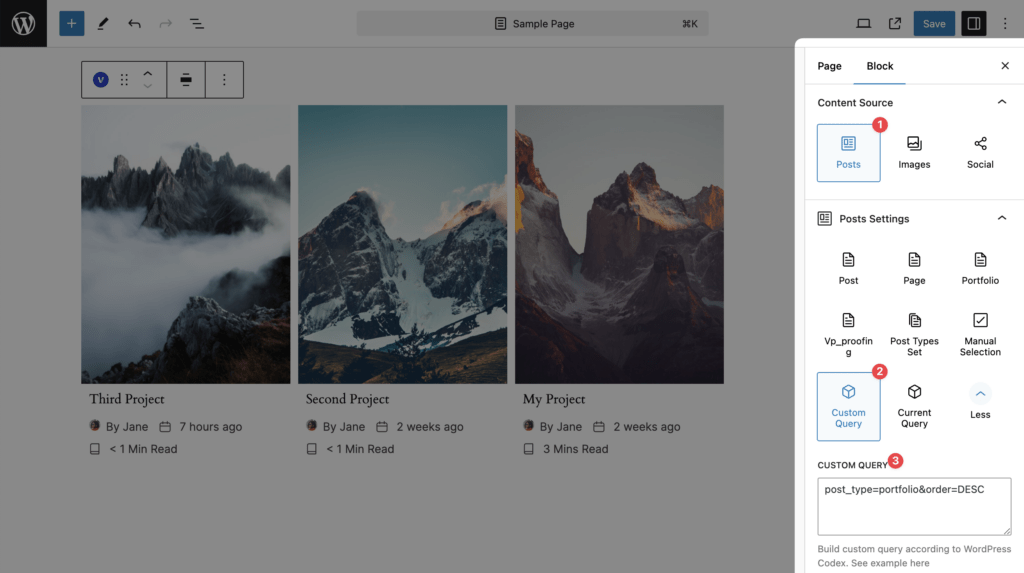
| Custom Query | Whatever a WordPress query string returns | Custom Query, Avoid Duplicates. Order and Offset come from the query string |
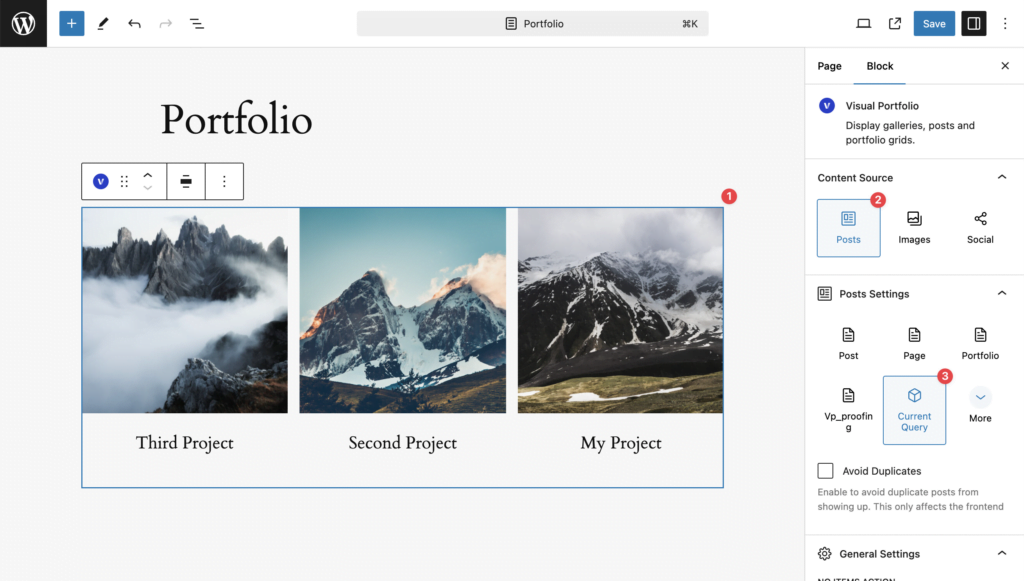
| Current Query | What the page itself is showing: the projects of the Portfolio page, the posts of a category archive, search results | Avoid Duplicates only; Items Per Page is hidden |
More than six post types collapse behind a More button.
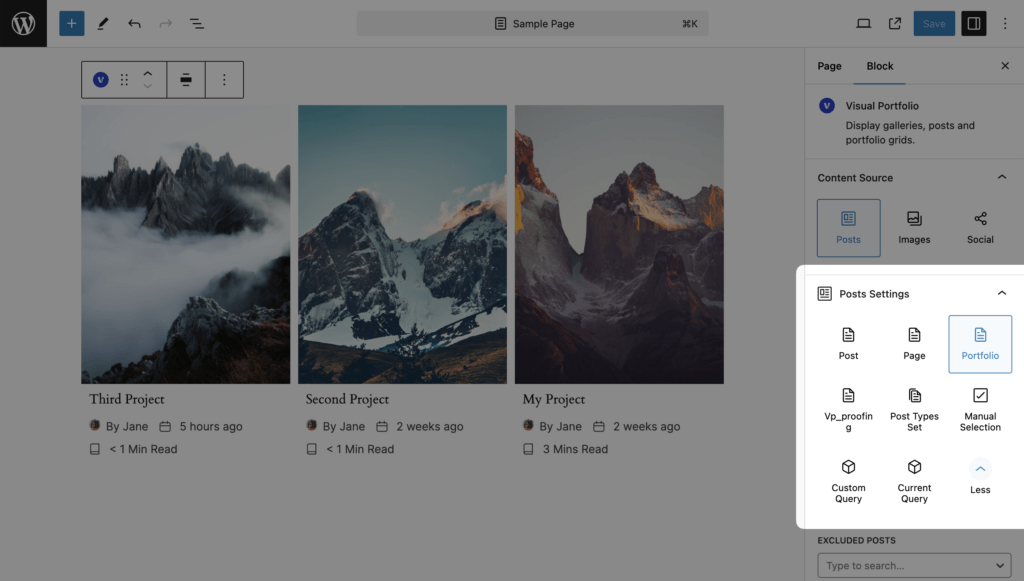
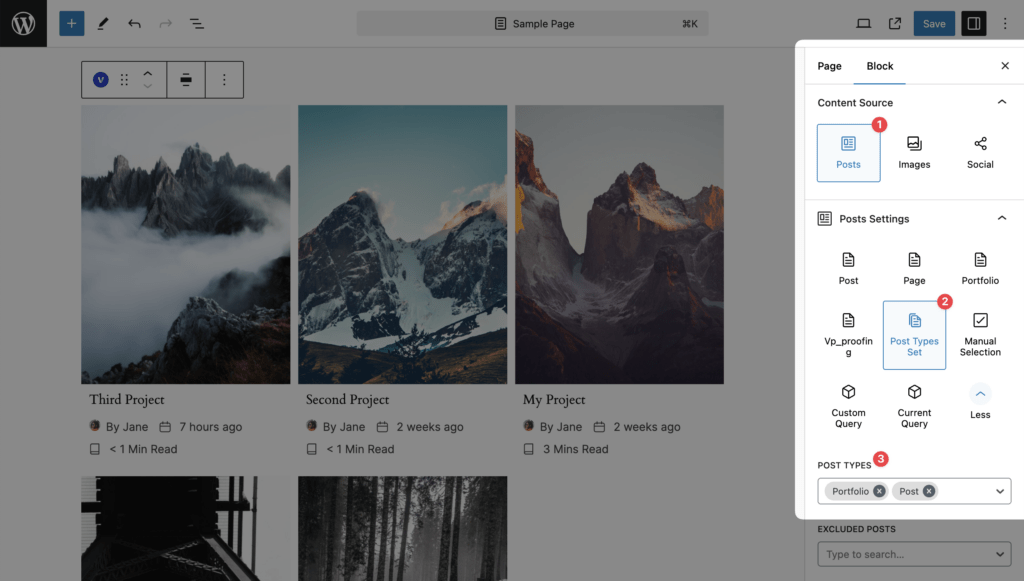
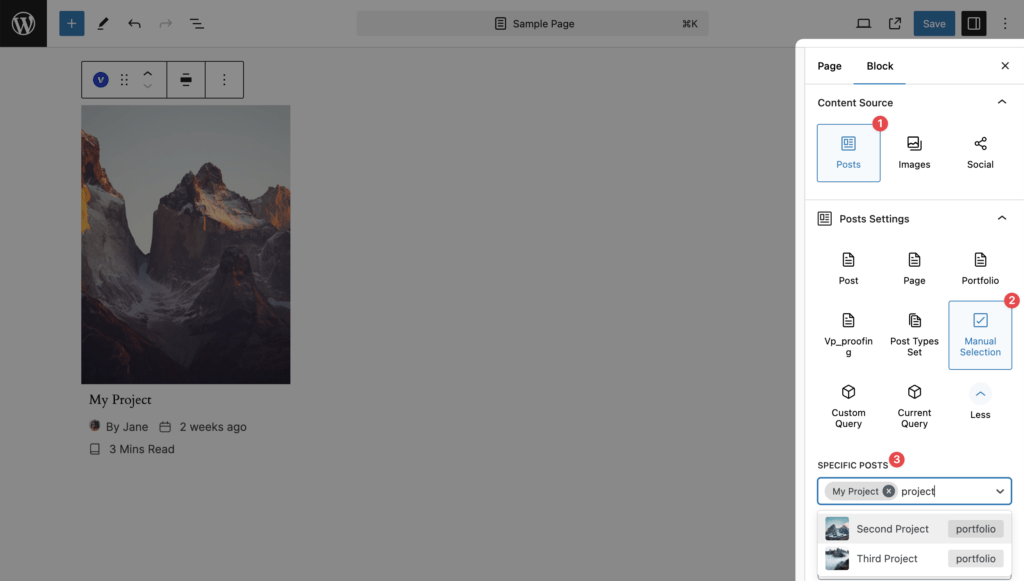
Settings
| Setting | Values | Default | Notes |
|---|---|---|---|
| Post Types (Post Types Set) | Any public post types | Post | |
| Specific Posts (Manual Selection) | Search by title, up to 50 results at a time, any post type | none | Choose Order by Manual Selection to keep the picked order |
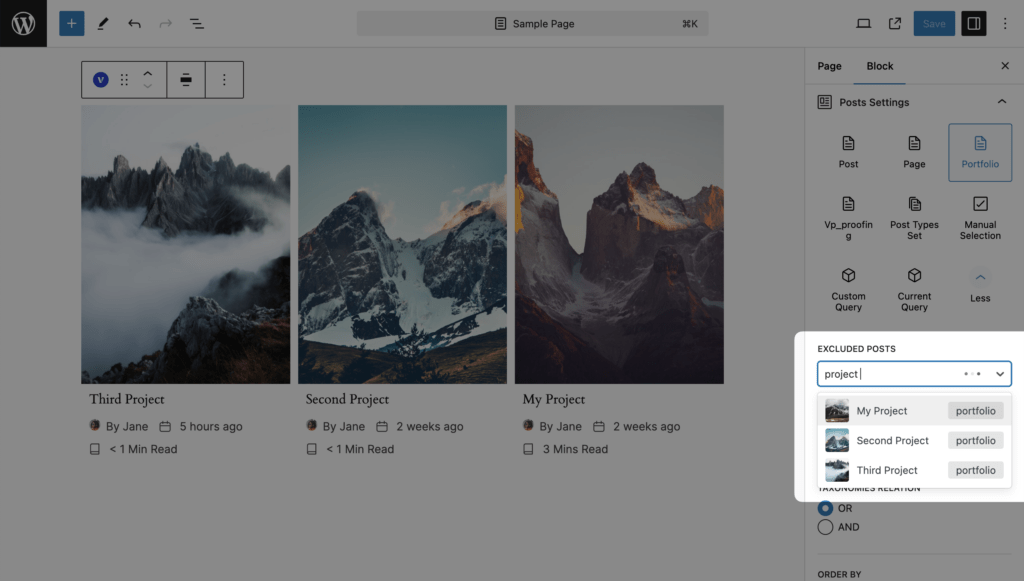
| Excluded Posts | Search by title | none | |
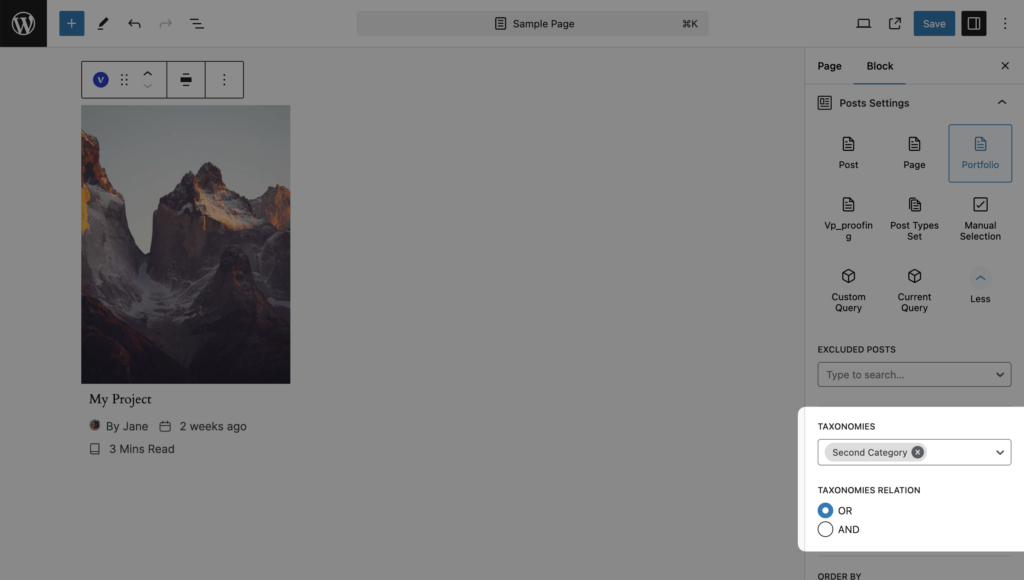
| Taxonomies | Terms of the taxonomies attached to the post type; grouped by taxonomy | none | |
| Taxonomies Relation | OR, AND | OR | OR: posts in any of the terms. AND: posts in all of them. Example: “2018” OR “2019” shows both years; “design” AND “2018” shows design work from 2018 |
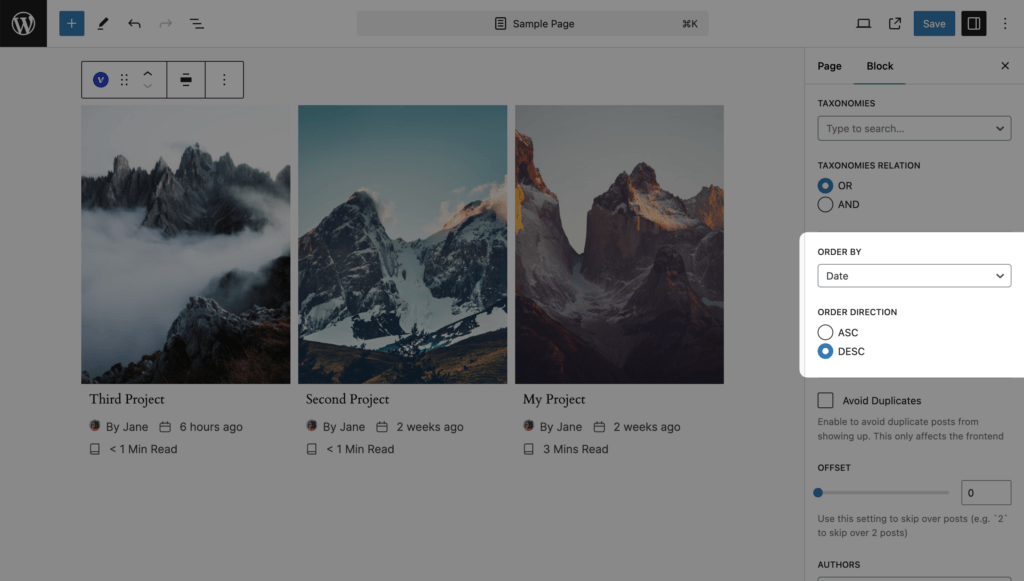
| Order by | Date, Title, ID, Comments Count, Modified, Menu Order, Manual Selection, Random | Date | Menu Order sorts by the order plugins such as Post Types Order set, newest first within equal values. Random draws a new order per visitor session and keeps it across Load More and pages |
| Order Direction | ASC, DESC | DESC | |
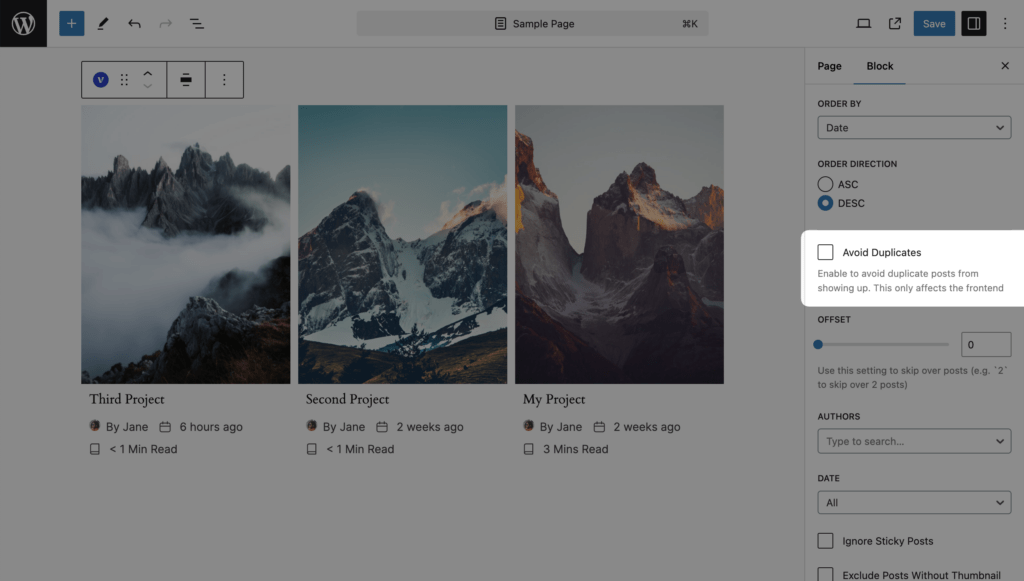
| Avoid Duplicates | on / off | off | Hides posts that another Visual Portfolio block on the same page already showed. Works on the live site, not in the editor preview |
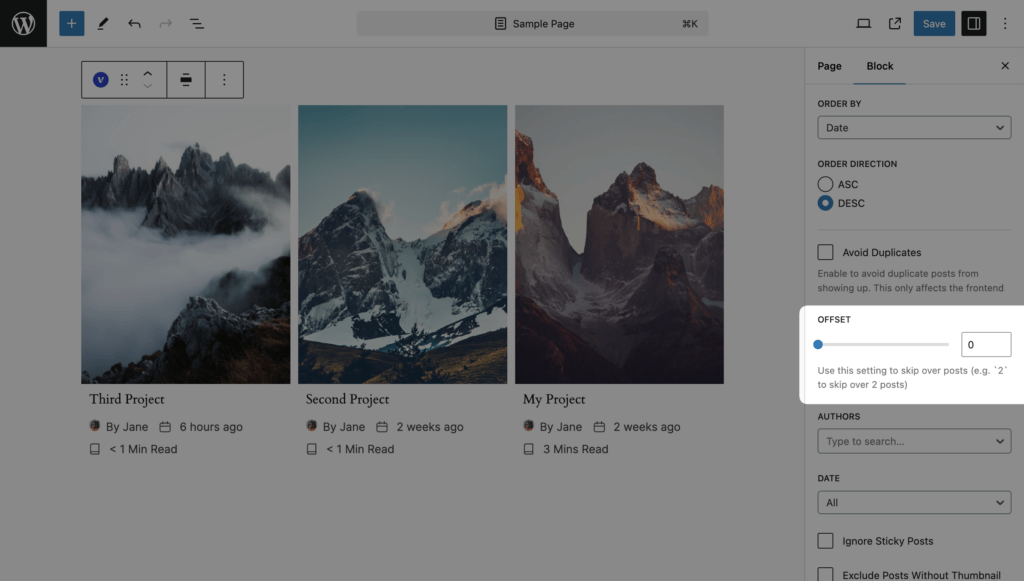
| Offset | 0 to 100 | 0 | Skips the first N posts. With pagination the plugin adds the offset to every page and corrects the page count |
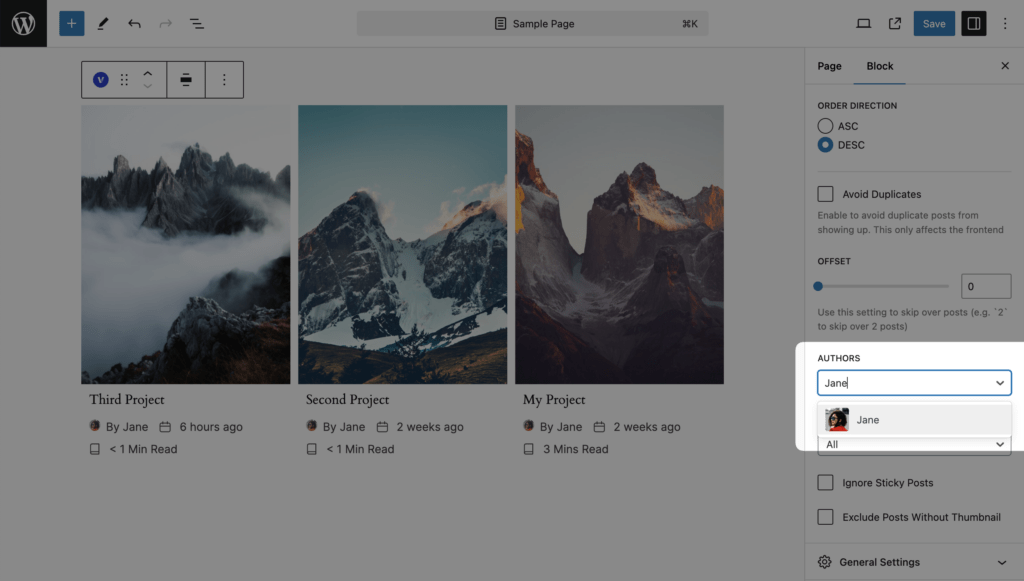
| Authors (Pro) | Users, searched by name | none | Only posts by these authors |
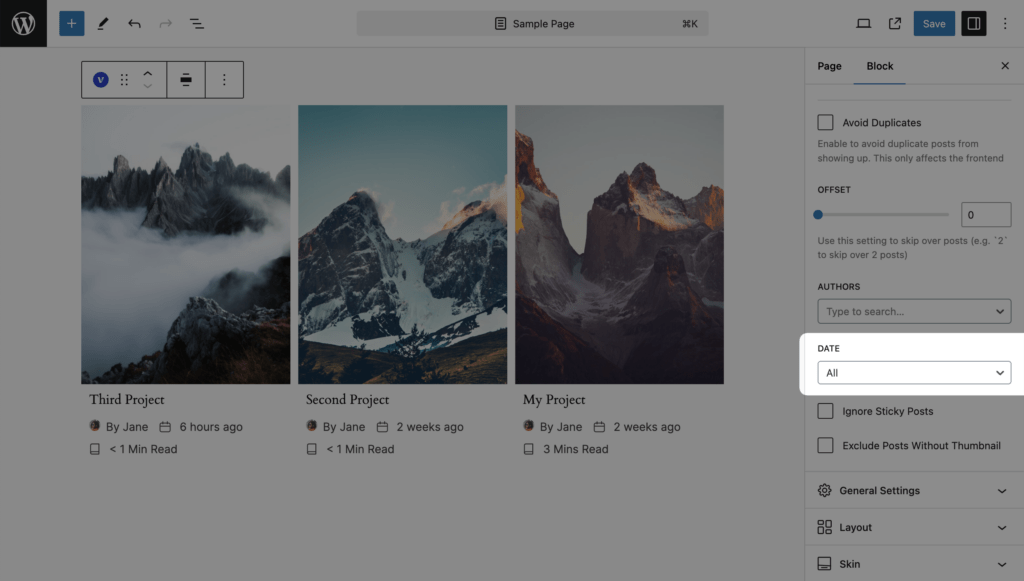
| Date (Pro) | All, Past Day, Past Week, Past Month, Past Quarter, Past Year, Custom | All | Custom shows After Date and Before Date (inclusive) |
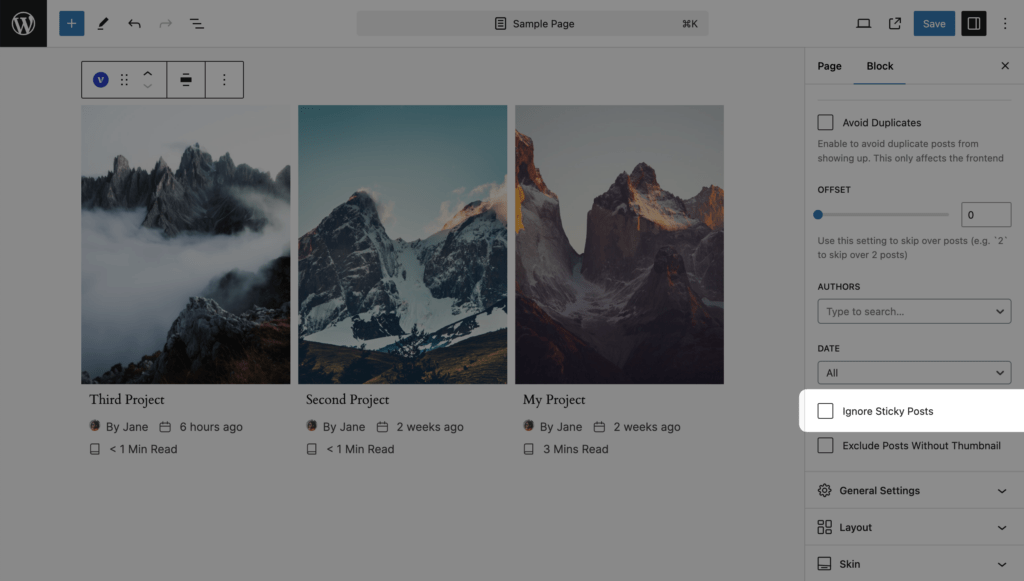
| Ignore Sticky Posts (Pro) | on / off | off | Sticky posts are otherwise placed first by WordPress |
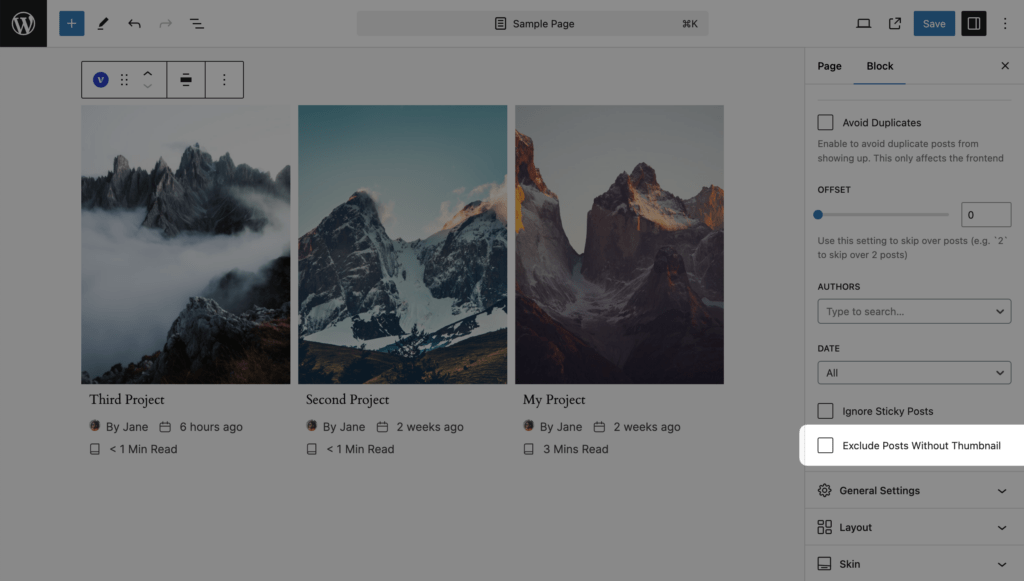
| Exclude Posts Without Thumbnail (Pro) | on / off | off | Only posts with a featured image |
Authors, Date, Ignore Sticky Posts and Exclude Posts Without Thumbnail are hidden for Custom Query and Current Query; Ignore Sticky Posts is also hidden for Manual Selection.
Custom Query
A query string in the form WordPress WP_Query accepts, merged over the block’s defaults. Examples:
Posts from the “branding” category published in 2012, oldest first:
post_type=post&category_name=branding&year=2012&order=ASCThe same for projects (Portfolio Categories need a tax_query):
post_type=portfolio&tax_query[0][taxonomy]=portfolio_category&tax_query[0][field]=slug&tax_query[0][terms]=branding&year=2012&order=ASCImages from the Media Library as posts:
post_type=attachment&post_status=inherit&post_mime_type=imageSee WP_Query for the parameters.
Current Query
Use it on the Portfolio page and on archive templates. It also works with filtering plugins such as FacetWP that change the main query.
Which posts get a lightbox
With the Popup click action a post opens in the lightbox when it has a featured image, or the Video format with a Video URL; with Pro also the Audio and Gallery formats and custom media. Posts without any of these link to the post instead.