
Table of Contents
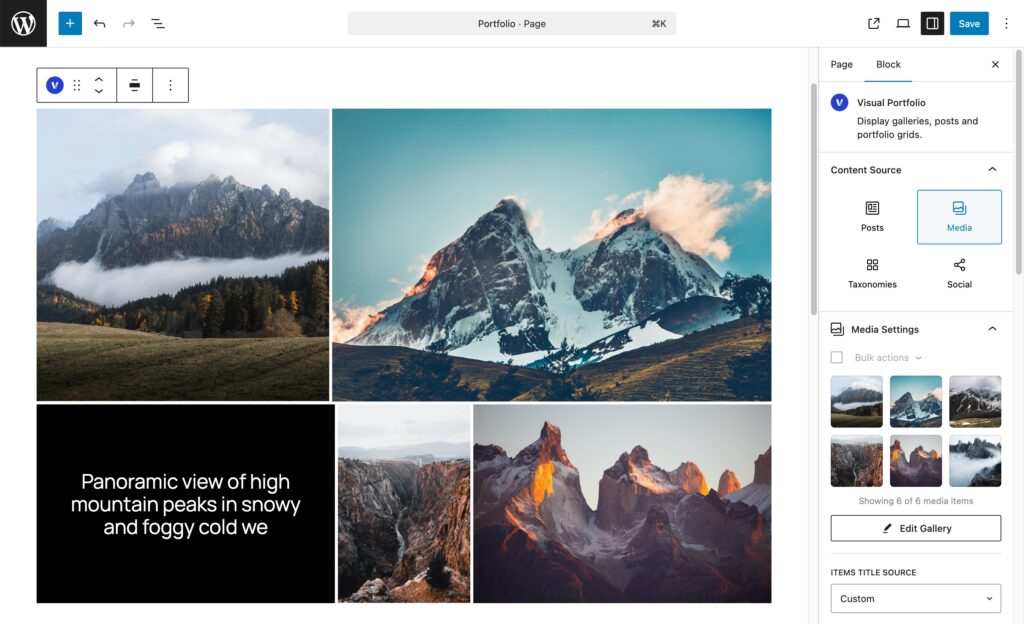
The Visual Portfolio block shows posts, images, taxonomy terms or social posts as a gallery. Insert it, choose where the items come from, and shape the result with the panels in the block sidebar.
Add the block
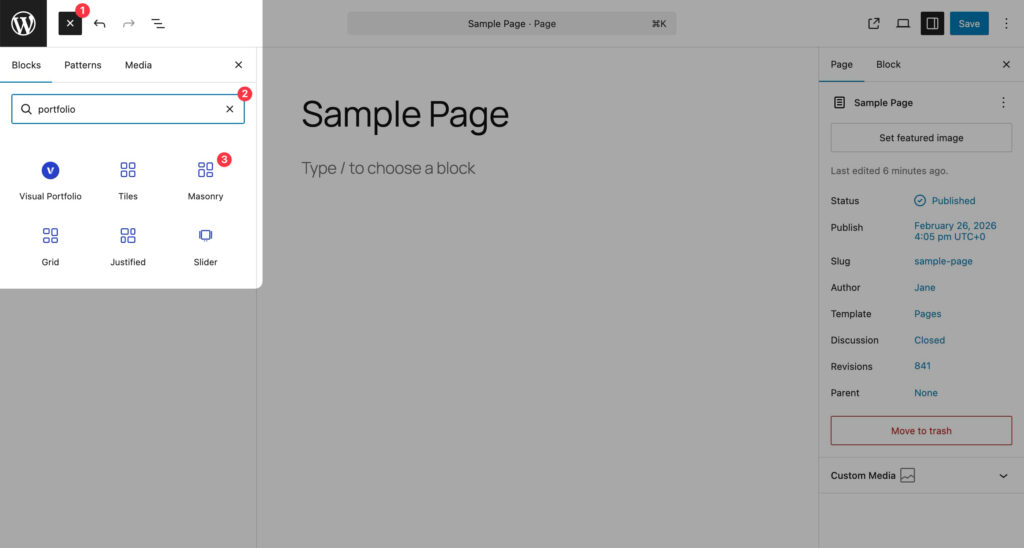
- In the editor click + and search for Visual Portfolio. The block is in the Media category. Five variations preset the layout: Tiles, Masonry, Grid, Justified, Slider.
- The setup wizard opens: content source, skin, and the Filter, Pagination and Popup Gallery switches. Click Skip Setup to use the defaults.
- The block renders a live preview. The preview is the front end of your site loaded in a frame, so it shows what visitors will see, with two exceptions: Infinite pagination is shown as a Load More button, and Avoid Duplicates is not applied.
You can also convert a core Gallery block or a Latest Posts block into a Visual Portfolio block from the block toolbar.
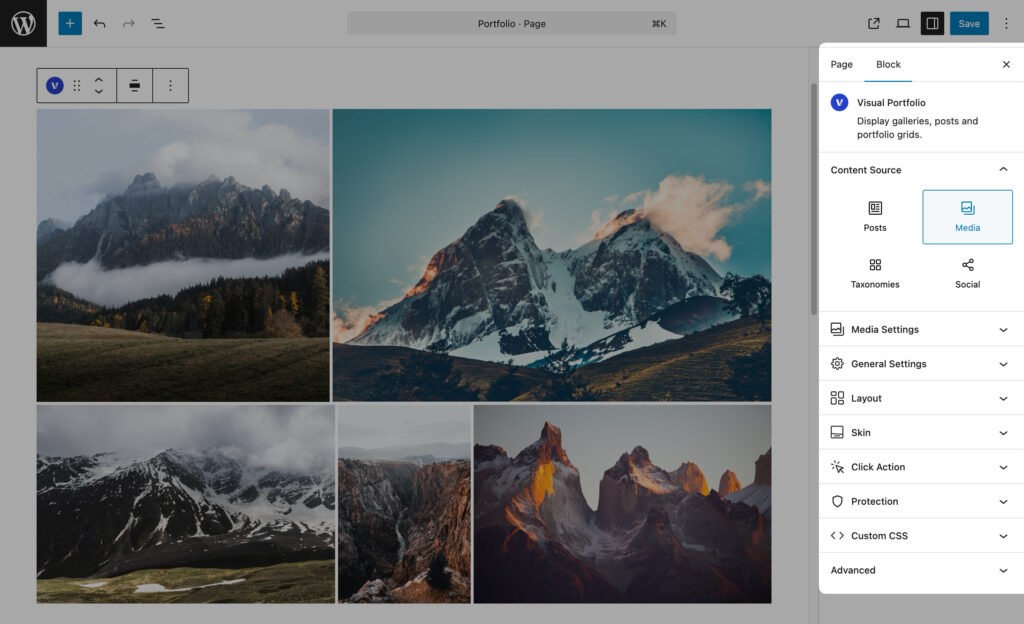
Panels
| Panel | Purpose | Page |
|---|---|---|
| Content Source | Where items come from and how many | Content Source |
| Posts Settings, Media Settings, Taxonomies Settings, Social Stream Settings | Options of the chosen source | Posts, Media, Taxonomies, Social |
| General Settings | Items Per Page, No Items Action | Content Source |
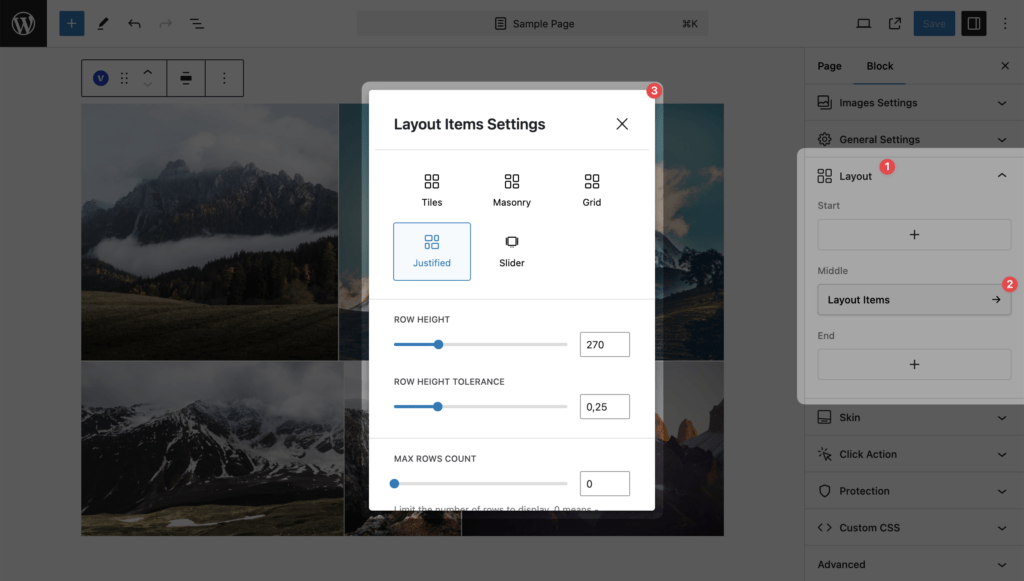
| Layout | Layout Items (Tiles, Masonry, Grid, Justified, Slider), and the Filter, Sort, Search and Pagination elements | Layout, Layout Elements |
| Skin | How one item looks | Skin |
| Click Action | Disabled, URL, Popup, Advanced | Click Action |
| Protection (Pro) | Watermarks, password, age gate, right click | Protection |
| Custom CSS | Styles for this block | Custom CSS |
The panels below Content Source appear once a source is chosen.
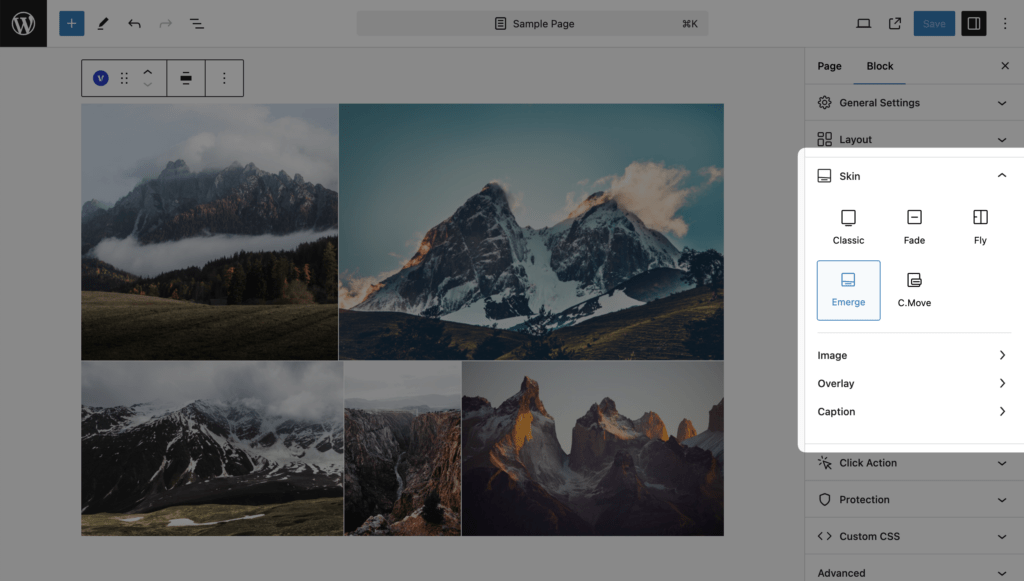
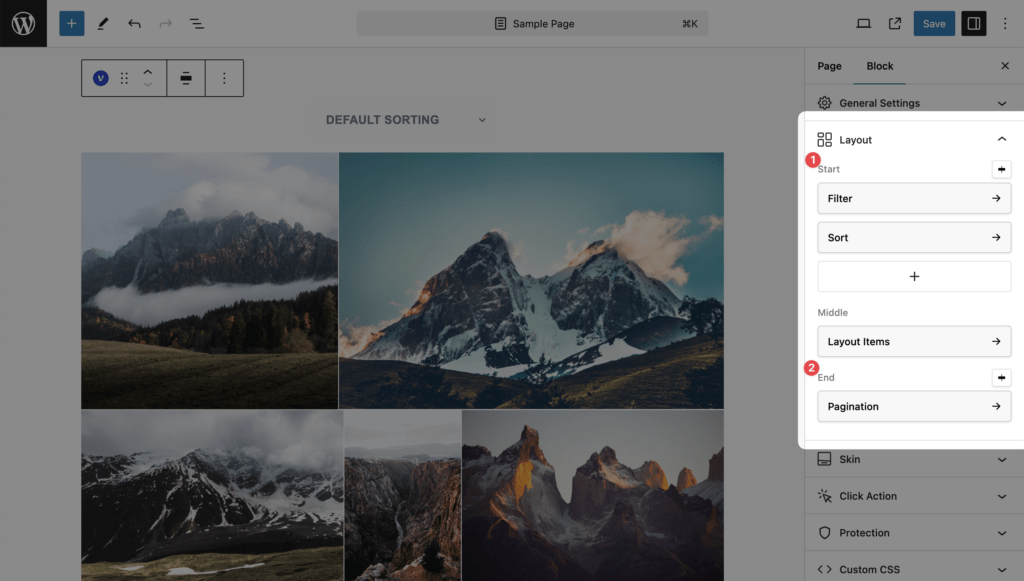
Block settings
- Alignment: none, wide, full (block toolbar). The wizard sets wide.
- HTML anchor (Advanced panel) for an ID.
- There is no “Additional CSS class(es)” field on this block; use Custom CSS.
Saved Layouts
A block can also be stored as a Saved Layout for use in Elementor, WPBakery, the Classic Editor and shortcodes. In the block editor, prefer the block itself. See Saved Layouts and Shortcodes.