
Table of Contents
Projects have two taxonomies.
| Taxonomy | Slug | Hierarchical | URL base (default) |
|---|---|---|---|
| Portfolio Categories | portfolio_category | yes | /portfolio-category/name/ |
| Portfolio Tags | portfolio_tag | no | /portfolio-tag/name/ |
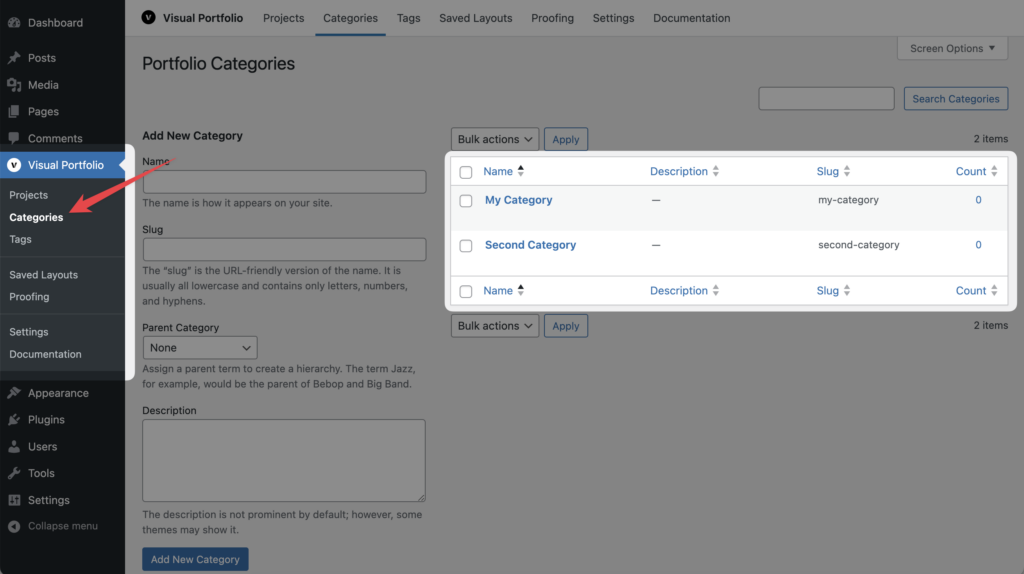
Manage them under Visual Portfolio → Categories and Visual Portfolio → Tags, or in the project sidebar. The URL bases are changed in Settings → Permalinks.
Where they appear
- In galleries. Portfolio Categories are the items of the Filter and the “categories” line of an item (Display Categories in the skin). Tags are not listed in the filter unless
portfolio_tagis added to Settings → General → Filter Taxonomies. - As archives.
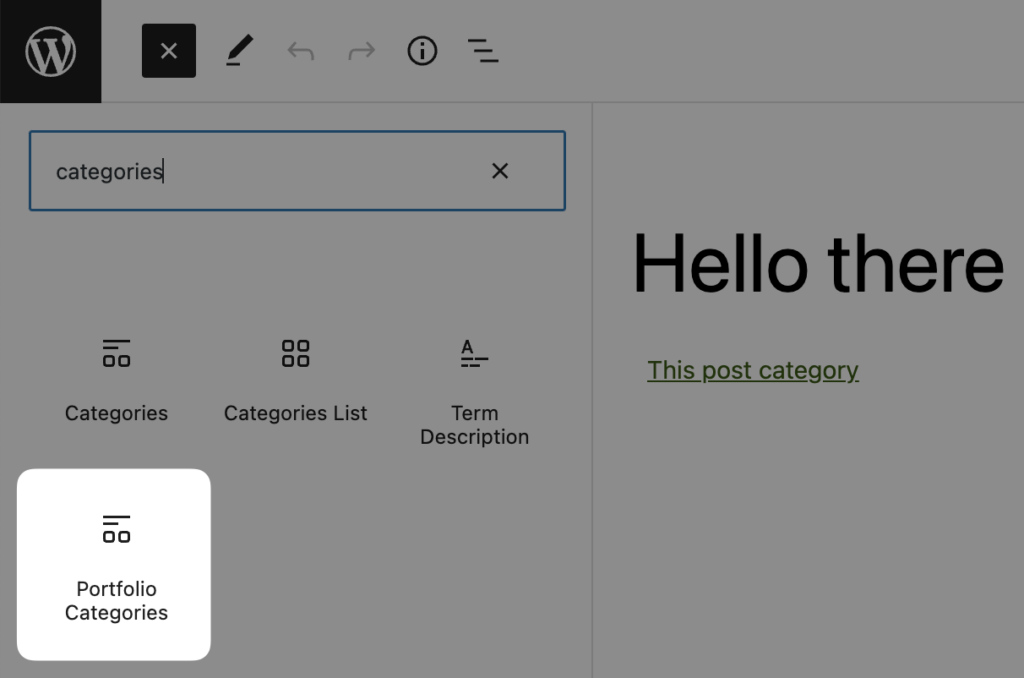
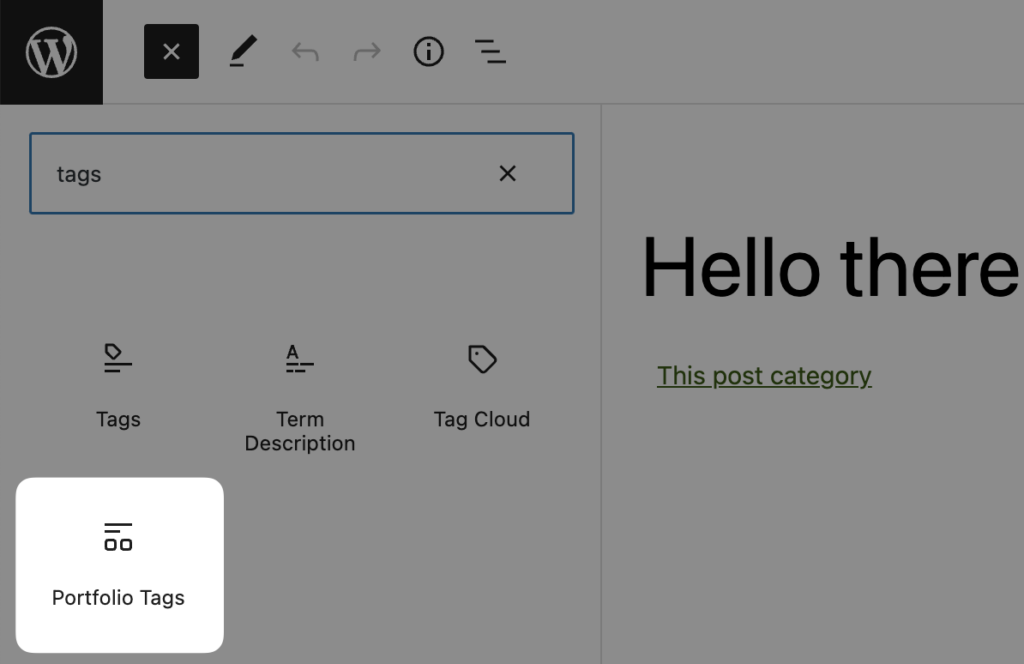
/portfolio-category/name/and/portfolio-tag/name/are rendered by the Portfolio page, filtered to that term. - On single project pages. Your theme decides. In a block theme, the core Post Terms block offers “Portfolio Categories” and “Portfolio Tags” variations in the Single item: Project template. In a classic theme use
the_terms( get_the_ID(), 'portfolio_category' )orget_the_term_list().
Term thumbnail (Pro)
Every term of a public taxonomy (Portfolio Categories, Portfolio Tags, post categories, product categories, custom taxonomies) gets a Thumbnail field on its Add and Edit screens. It is used by the Taxonomies content source, which shows terms as gallery items. Saving it needs the “manage categories” capability. Without a thumbnail, the source falls back to the featured image of the newest post in the term, then to the Placeholder Image.
PHP
// Terms of the current project.
$categories = wp_get_post_terms( get_the_ID(), 'portfolio_category' );
$tags       = wp_get_post_terms( get_the_ID(), 'portfolio_tag' );

// All terms, including empty ones.
$all_categories = get_terms( array( 'taxonomy' => 'portfolio_category', 'hide_empty' => false ) );