
Table of Contents
Connect
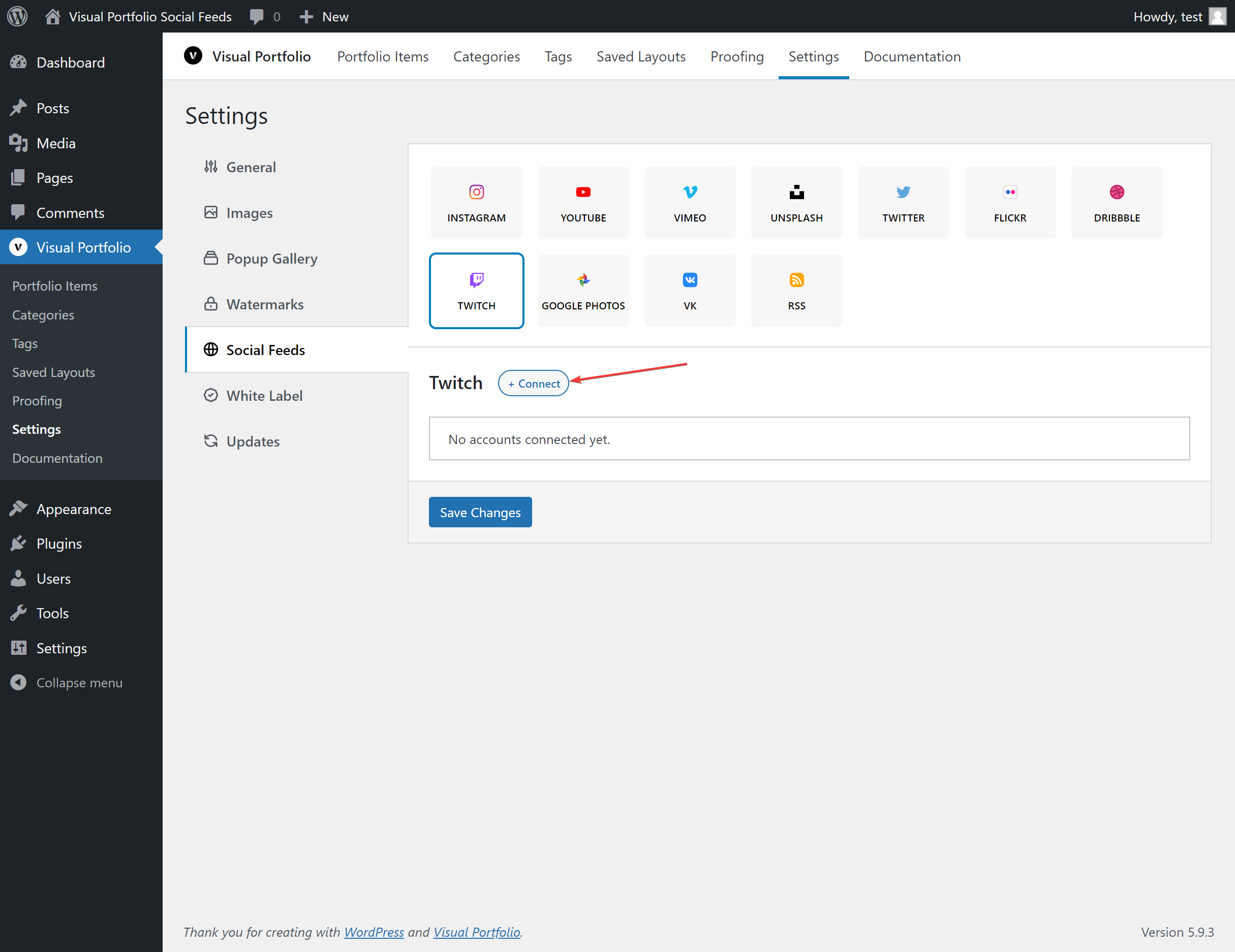
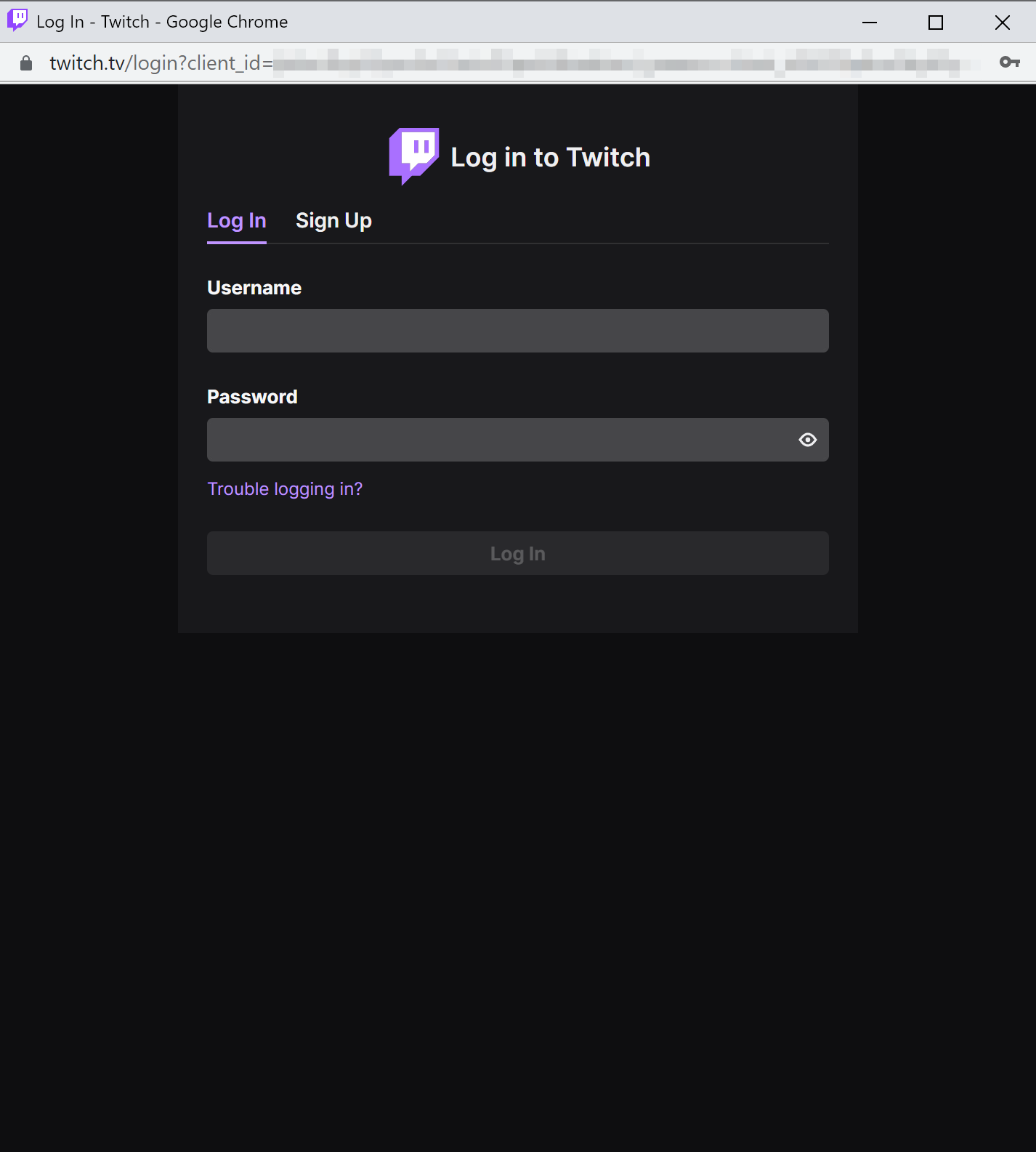
Settings → Social Feeds → Twitch → + Connect → Get Access Token. Log in to Twitch in the popup and authorize the app.
In the gallery block, select the account and a Source. See the next part.
Fields
| Field | Values | Default |
|---|---|---|
| Name | Text | Twitch Account #n |
| Max Posts | 1 to 200 | 30 |
Source in the block
Available in Visual Portfolio Pro 3.9.0 and later.
Each gallery picks what it shows from the account. In the block, under Account, select a Source. Until you pick one, the select reads Choose a source and the gallery shows nothing.
| Source | Shows |
|---|---|
| Clips | Clips of the channel |
| Videos | Videos of the channel |
| Streams | The live stream of the channel |
Every source has one field, Channel. Enter the name from the channel URL: pwrdesports1 from https://www.twitch.tv/pwrdesports1. A full URL does not work. The channel does not have to be the one you logged in with.
If the account was saved with a source before, the first option reads As in connection: followed by that source, and galleries that keep it show that source.
The first time the editor previews a source, it fetches that source and shows its first page. Read more in Social.
What is imported
Clips, live streams or videos of the channel with title, description (videos), date, views, thumbnails and the streamer as the author. Videos play through Twitch’s player; they are not downloaded. Twitch avatar links expire, so avatars are cached locally.
Notes
The token is renewed every hour while the site’s cron runs. Edit on a saved account validates the token and shows the login it belongs to; Reconnect logs in again.