
Visual Portfolio → Settings. Site-wide options in tabs:
| Tab | Plan | Holds |
|---|---|---|
| General | Free | Project post type, Portfolio page, filter taxonomies, placeholder image; Pro: AJAX cache, breakpoints |
| Images | Free | Lazy loading, image sizes |
| Popup & Lightbox | Free | Lightbox script and its buttons; Pro: deep linking, albums, Quick View |
| Watermarks | Pro | Watermark logo and generation |
| Social Feeds | Pro | Connected social accounts |
| White Label | Pro | Your brand instead of Visual Portfolio |
| Updates | Pro | License key |
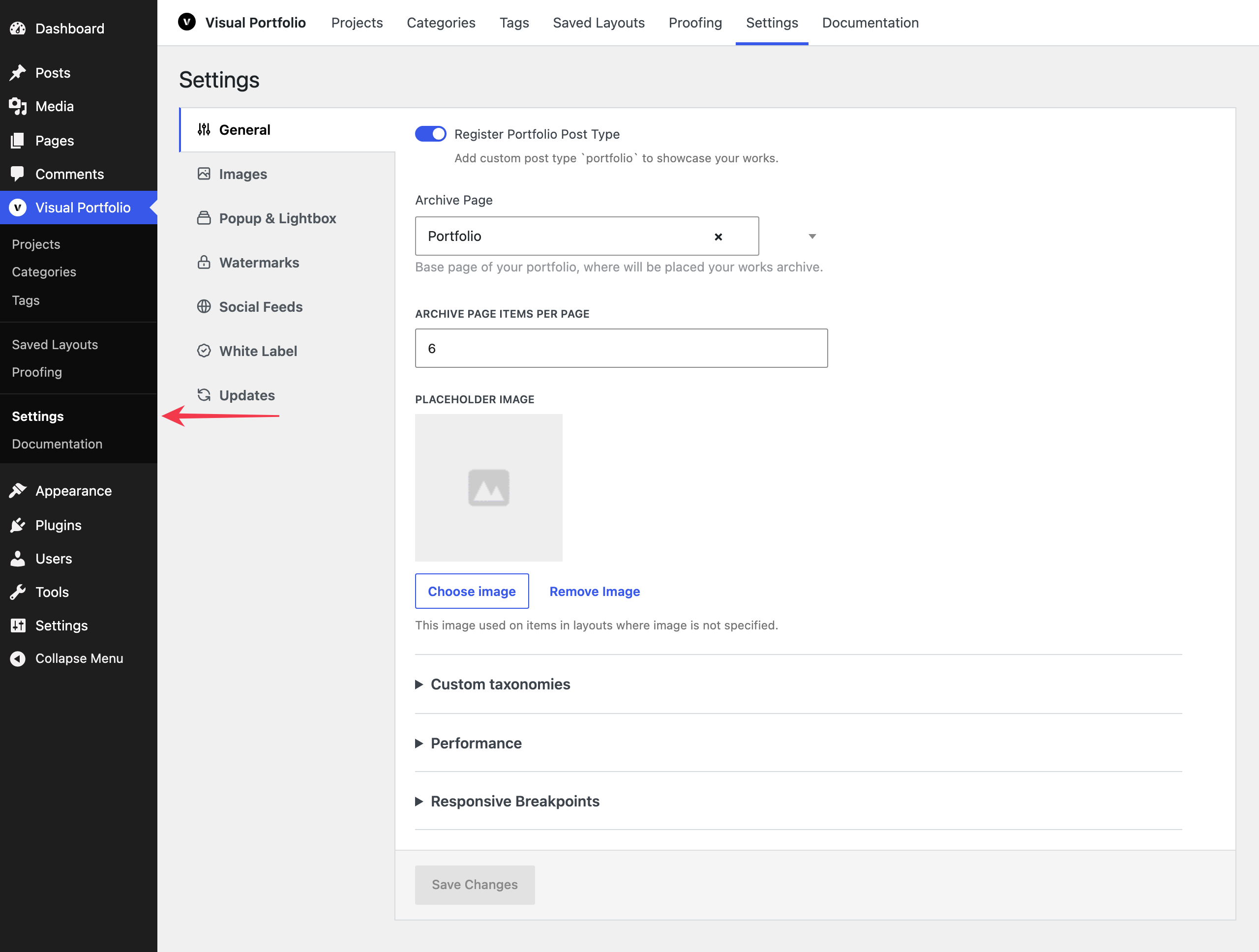
Each tab shows one setting per row, with its name and description beside the control. On a screen narrower than 783 pixels, the control moves below the name.
Save Changes, at the top of the page, is enabled once something changed. Pro-only options are shown greyed out in the free plugin with a link to the pricing page. The Updates tab has no Save Changes, because Activate License and Deactivate License save at once.
On General, Images and Popup & Lightbox, settings you rarely change sit in collapsed groups. Click a group’s name to open it. A change inside a closed group is still saved with Save Changes.
Project URL structures are on the WordPress Settings → Permalinks page, not here. See Permalinks.