
Table of Contents
Pro Feature
This is a part of the Visual Portfolio Pro plugin.
Purchase the Pro plugin to access this and other advanced features.
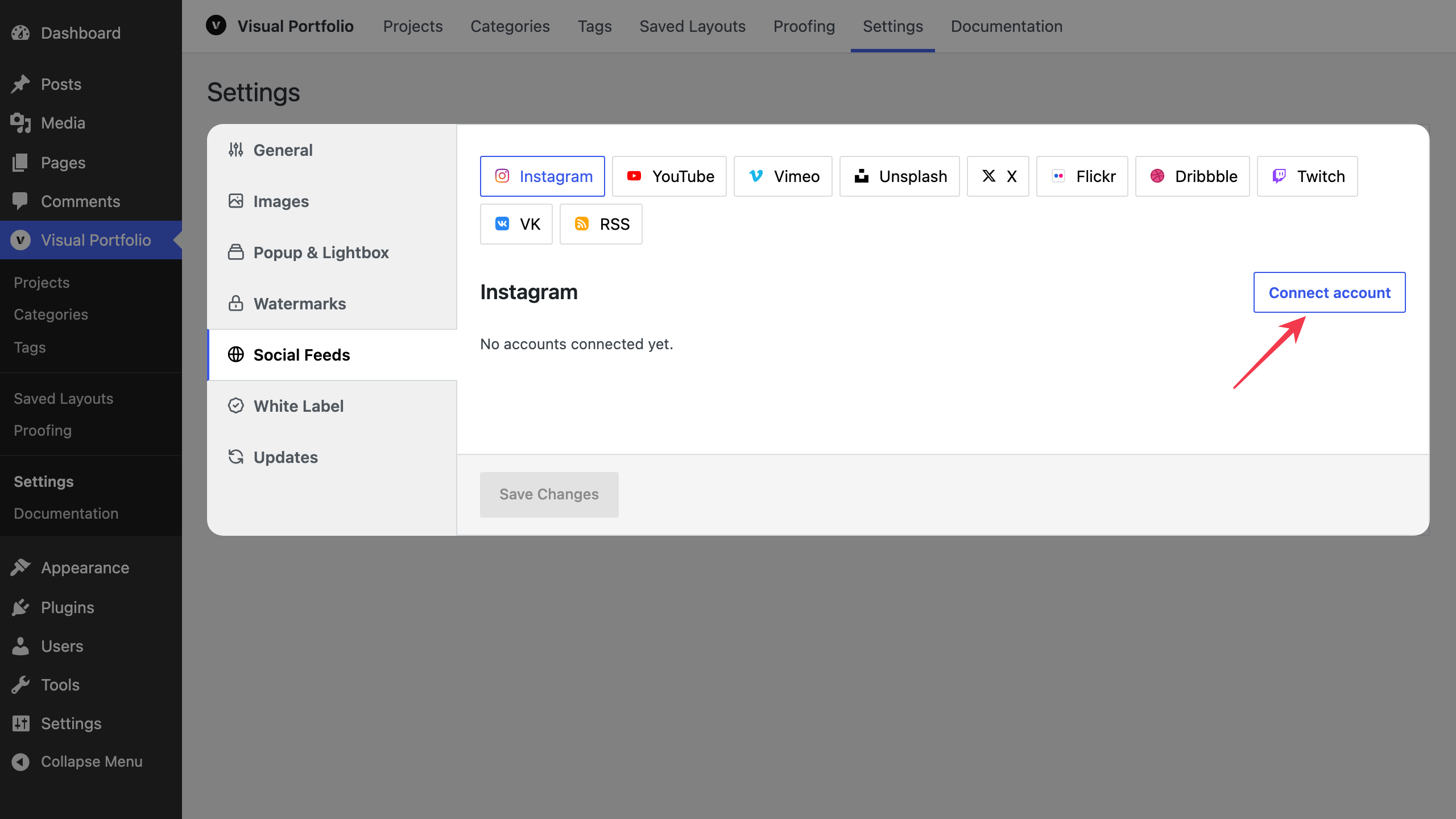
Visual Portfolio → Settings → Social Feeds. One tab per network. Each tab lists the connected accounts and a Connect account button.
For YouTube, Vimeo, Flickr, VK, Twitch and Unsplash, an account holds only the login or the keys and the Max setting. What a gallery shows, such as a playlist or an album, is picked in the block under Source. See Social.
Controls
| Control | What it does |
|---|---|
| Connect account | Adds an account form. Networks with a login popup (Instagram, Unsplash, Dribbble, Twitch, VK) open it; the popup fills the token fields. The others show text fields for keys |
| Name | A label for the account, shown in the block’s account dropdown. Instagram and VK fill it from the login |
| Edit | Reopens the fields of a saved account |
| Remove | Deletes the account after a confirmation. Its Social Items stay; trash them on the Social Items screen if you do not need them |
| Reconnect | Runs the login again for this account, for example when its token expired, and fills the new token into its fields. Then click Save Changes; Instagram saves by itself. Twitch, VK, Unsplash and Dribbble show it after you click Edit. Instagram shows it on an account that still uses outdated keys |
| Purge Cache | Asks first, then deletes the imported items of the account and of every source galleries picked from it, and forces a full re-import on the next sync. The link reads Purged when it is done and Purge failed when it fails. Available to administrators |
| Save Changes | Saves the tab and starts the import of new or changed accounts that show posts on their own: Instagram, X, Dribbble, RSS, YouTube channel videos, the VK wall, and accounts saved with a source. When you change an account, the sources galleries picked from it are imported again |
| Galleries without their own source show: | A line under an account that was saved with a source, such as a playlist or an album. Galleries whose Source is the first option show it. The source cannot be edited here; pick another one in the block |
Account status
Available in Visual Portfolio Pro 3.10.0 and later.
Each saved account shows the sync status of its own feed under its name, next to Purge Cache. The status is read when the page loads. Reload the page to see a newer one.
| Status | What it means |
|---|---|
A number of items and the last sync, such as 30 items · synced 2 hours ago | The feed synced. The number counts its Social Items |
A number of items alone, such as 30 items | The items were imported by a version that did not record sync times |
Syncing… or Syncing… 12 items left | The plugin is fetching the feed or saving its posts |
| Waiting for the first sync | A sync is scheduled or running and has not reached this feed yet |
| Not synced yet | No sync has run for this feed, and none is scheduled |
| An error message | The last sync failed. The message is the network’s reason, such as an expired token. The next sync tries again |
| Not connected | A field the account needs is empty, such as the access token, the API key or the Max setting. Click Edit, fill it, and click Save Changes |
Vimeo, Flickr, Twitch and Unsplash accounts saved without a source also show Not connected, because they have no feed of their own. Galleries that pick a source from them still sync.
When a source that galleries picked from the account failed, a second line says so, such as 1 other feed failed. The Feeds panel on the Social Items screen lists every feed with its status and the reason it failed. See Social Items and Profiles.
Fields per network are on the network pages. Credentials are stored in your database and are never sent to the block editor; the editor only receives account names and what each account shows by default. Lists of playlists, showcases, albums and groups are loaded on the server.
The Instagram tab warns when your database does not use utf8mb4: captions with emoji cannot be stored then. Ask your host to convert the database (see Social feeds troubleshooting).