
Table of Contents
Adjust your popup gallery settings to enhance the viewing experience of your portfolio items.
General
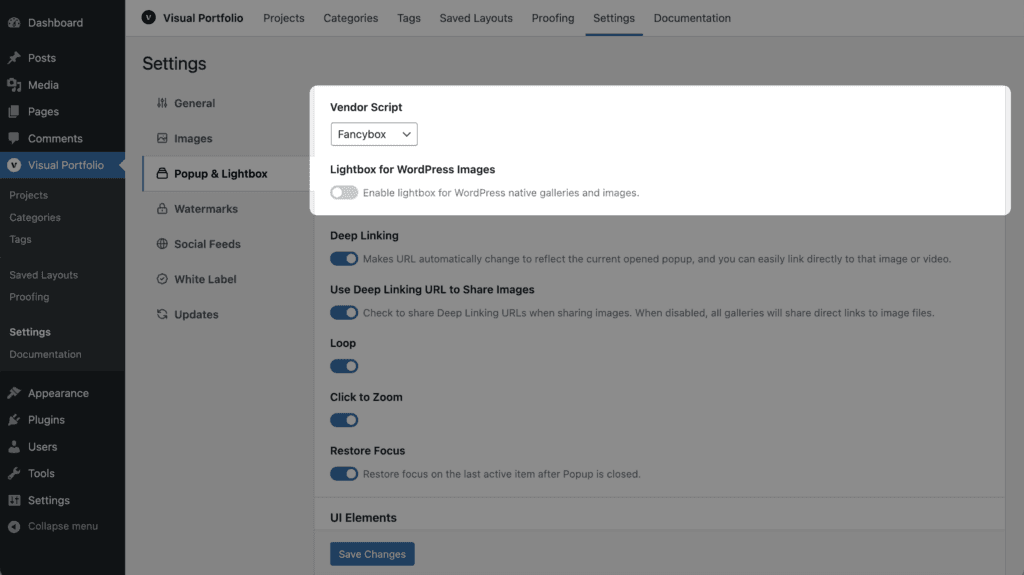
- Vendor Script – popup gallery script (PhotoSwipe or Fancybox)
- Lightbox for WordPress Images – enable popup for all WordPress images and galleries (not only for Visual Portfolio galleries).
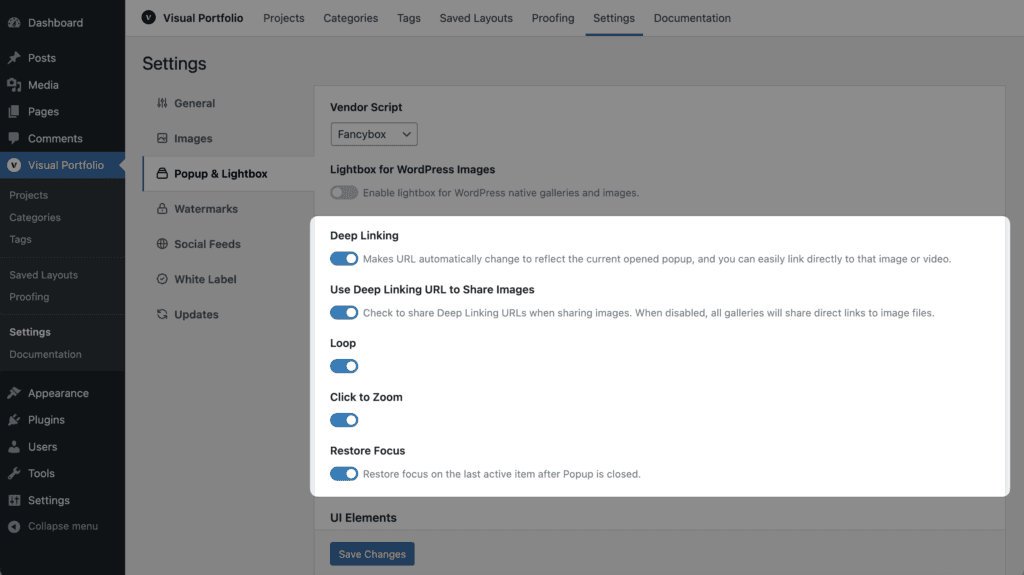
- Deep Linking Pro – makes URL automatically change when you open popup and you can easily link to specific popup image.
- Use Deep Linking URL to Share Images Pro – check to share Deep Linking URLs when sharing images. When disabled, all galleries will share direct links to image files.
- Loop Pro – check to enable loop image gallery.
- Click to Zoom – allows you to disable the default possibility to zoom when you click on the image.
- Restore Focus – restore focus on the last active item after Popup is closed.
UI Elements
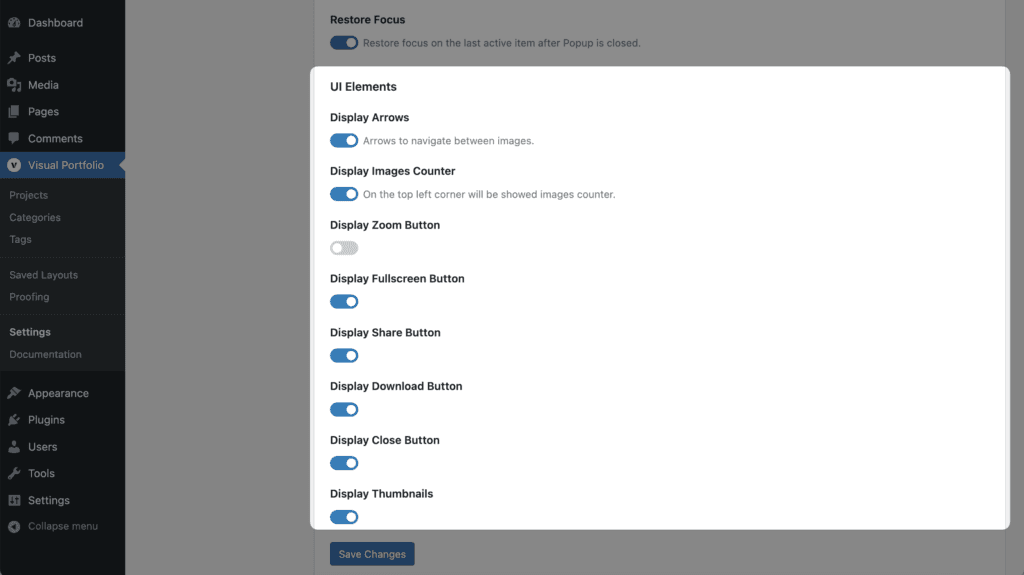
- Display Arrows – arrows to navigate between images.
- Display Images Counter – if you enable this option, an image counter will be shown.
- Display Zoom Button
- Display Fullscreen Button
- Display Share Button
- Display Close Button
- Display Thumbnails
- Thumbnails Opened At Startup Pro
- Thumbnails Position Pro
- Display Download Button
- Display Slideshow
Albums
Pro Feature
This is a part of the Visual Portfolio Pro plugin.
Purchase the Pro plugin to access this and other advanced features.
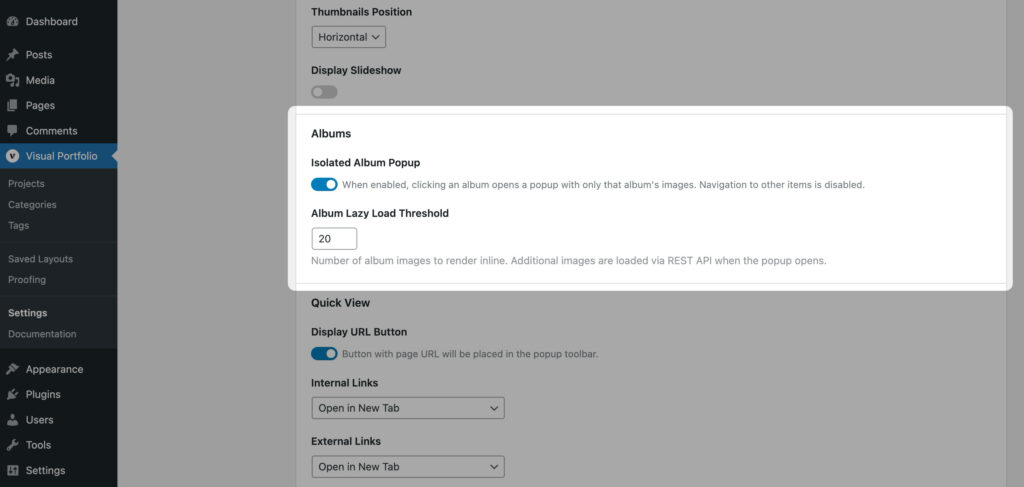
Visual Portfolio includes additional popup settings for album items.
- Isolated Album Popup – When enabled, clicking an album opens a popup with only that album’s images. Navigation to other gallery items is disabled.
- Album Lazy Load Threshold – This setting controls how many album images are rendered immediately. Additional album images are loaded through the REST API when the popup opens.
Quick View
Pro Feature
This is a part of the Visual Portfolio Pro plugin.
Purchase the Pro plugin to access this and other advanced features.
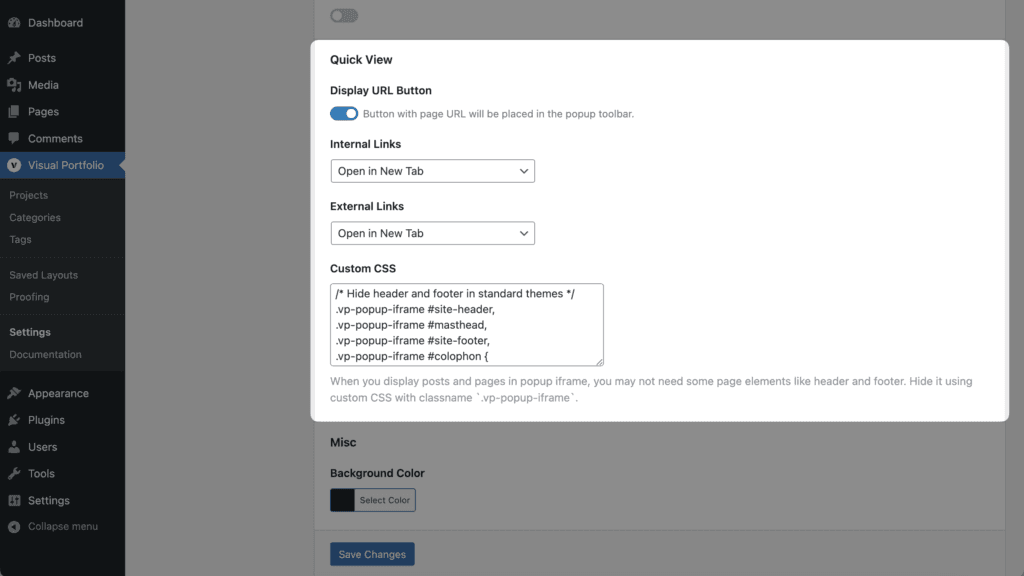
- Internal Links – select where to open internal links, displayed inside the Quick View frame
- External Links – select where to open external links, displayed inside the Quick View frame
- Custom CSS – when you display pages in a popup iframe, you may not need some page elements like a header and footer. Hide it using custom CSS with classname
.vp-popup-iframe.
Misc
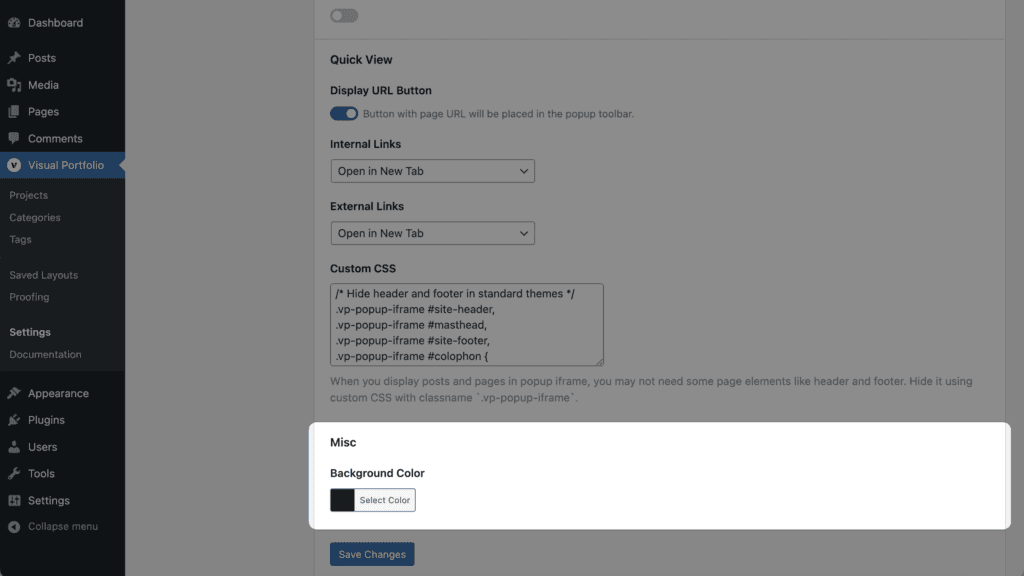
- Background Color – Popup gallery background color