A WordPress video gallery where MP4 files play muted inside the tiles, which needs Pro. YouTube and Vimeo links play free in the lightbox after a click.

Low Angle View of Tall Wild Grass and the Moon

Blooming Yellow Flowers in a Vibrant Garden

Serene Lakeside View with Tall Green Grass

Landscape captures

Close up of Plant

Serene Cloudy Sky with Swaying Grasses

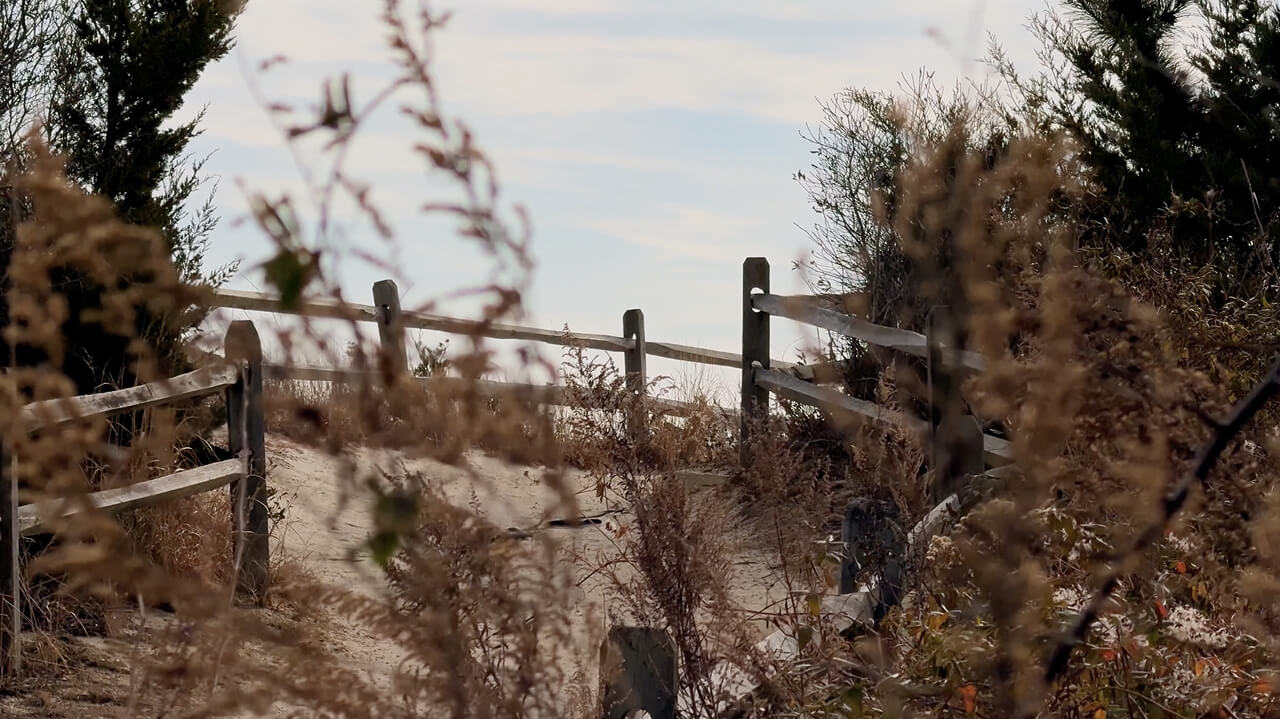
Serene Coastal Dune Pathway in Fall
Video Of Flowers During Dawn

A close up of some tall grass in the woods

What a video gallery block does
There is no separate video block. You build the same gallery you would with photos, and individual items carry video instead. Pick an MP4 out of the Media Library and it plays inside its own tile, muted, with a play icon on it. Or leave the item as a picture, set its Format to Video and paste a YouTube or Vimeo link into Video URL. That link plays in the lightbox after a click, never on the page.
Which of the two you pick decides where the motion happens. A hosted link keeps the bandwidth off your server and hands playback to someone else’s player, the route the video and audio popups demo takes. Only a file in the Media Library puts motion on the page before a click. That is what the masonry grid above is doing.
File types, vendors and defaults
The video item settings sit inside each image’s own Media Settings, so two items in the same gallery can behave differently.
- Local files the picker accepts: mp4, webm, ogg, ogv, mpeg, mpg, avi, mov, wmv, flv, mkv, m4v, 3gp, ts, mts, m2ts. MP4 (H.264) plays everywhere, the rest are up to the browser.
- Playback: Autoplay in Viewport, the default, plays muted once at least half the item is visible and pauses when it is not. The other value is Play on Hover.
- Cover Image: the still shown before playback. It falls back to the video’s own featured image, and then to the placeholder.
- Video URL vendors: YouTube and Vimeo in the free plugin. Pro adds Instagram, TikTok, Twitch, Facebook video, Dailymotion, Wistia, VideoPress, TED, Rutube, Metacafe and Coub.
- Media Object Priority under Click Action is a sortable list, Video, Audio, Album, Image by default, and the first entry an item has data for wins. Give one item both a file and a Video URL and the lightbox plays the URL.
- Masonry Columns run 1 to 5 and default to 3. A three column gallery keeps three columns down to 769 px, shows two between 577 and 768 px, and one at 576 px and below.
Adding the videos in the editor
- Add the gallery block, choose Media as the content source and click Add Media. With Pro the picker takes video files next to images. Select what you need, then drag the list into the order you want.
- Click one item in that list to open its Media Settings. A local file gets Playback and Cover Image. A hosted video gets its Format switched to Video and the link pasted into Video URL.
- Set Layout to Masonry and Click Action to Popup, so a tile opens the lightbox. To reuse the gallery elsewhere, save it as a Saved Layout and place that layout on the page.
Where the free plugin stops
Linking a video costs nothing. Playing one inside the grid is the part you pay for. Pro carries the free plugin inside it, so upgrading means swapping one plugin for the other rather than running both. The free and Pro comparison has the full table, and the pricing page lists the three licence tiers.
- Free: the Video format with a YouTube or Vimeo link, the lightbox, masonry and the other layouts, AJAX filters, pagination and infinite scroll.
- Pro: local video files as gallery items, which is what makes playback happen in the grid.
- Pro: Playback and Cover Image, hover media, Media Object Priority, Display Image Priority and deep linking to one slide.
- Pro: the extra video vendors above, plus audio items from Spotify, SoundCloud, Mixcloud, Beatport and self hosted files.
Questions we get about video galleries
Can videos play inside the gallery grid?
Yes, with Pro, and with a file rather than a link. Pick a video from the Media Library in a Media gallery, or set it as a project’s Custom Media, the two routes the FAQ on videos playing inside the grid describes. It plays muted once it scrolls into view, or on hover, with an optional cover image.
Which video services can I use?
YouTube and Vimeo work without Pro. The list of supported video and audio services adds Instagram, TikTok, Twitch, Facebook video, Dailymotion, Wistia, VideoPress, TED, Rutube, Metacafe and Coub on the Pro side. Paste the address into Video URL on an item whose Format is Video.
Why does hover playback do nothing on a phone?
Touch screens have no hover, so Play on Hover never fires and the item shows its normal media, as the FAQ on hover effects on touch screens explains. Use Autoplay in Viewport for anything that has to move on a phone. Captions hit the same wall. Set Overlay Display to Always, or turn on Move Overlay Under Image, which is Pro.