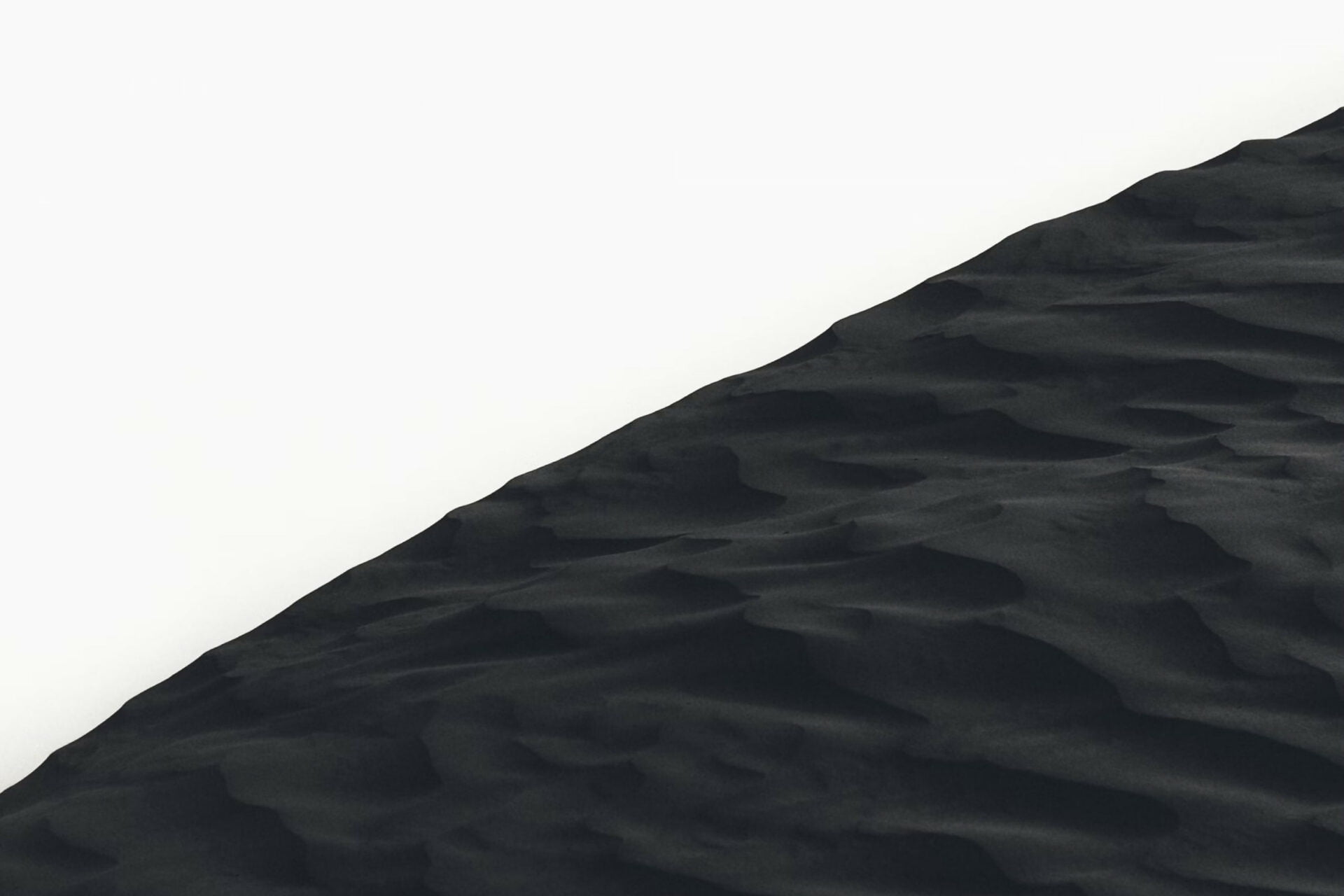
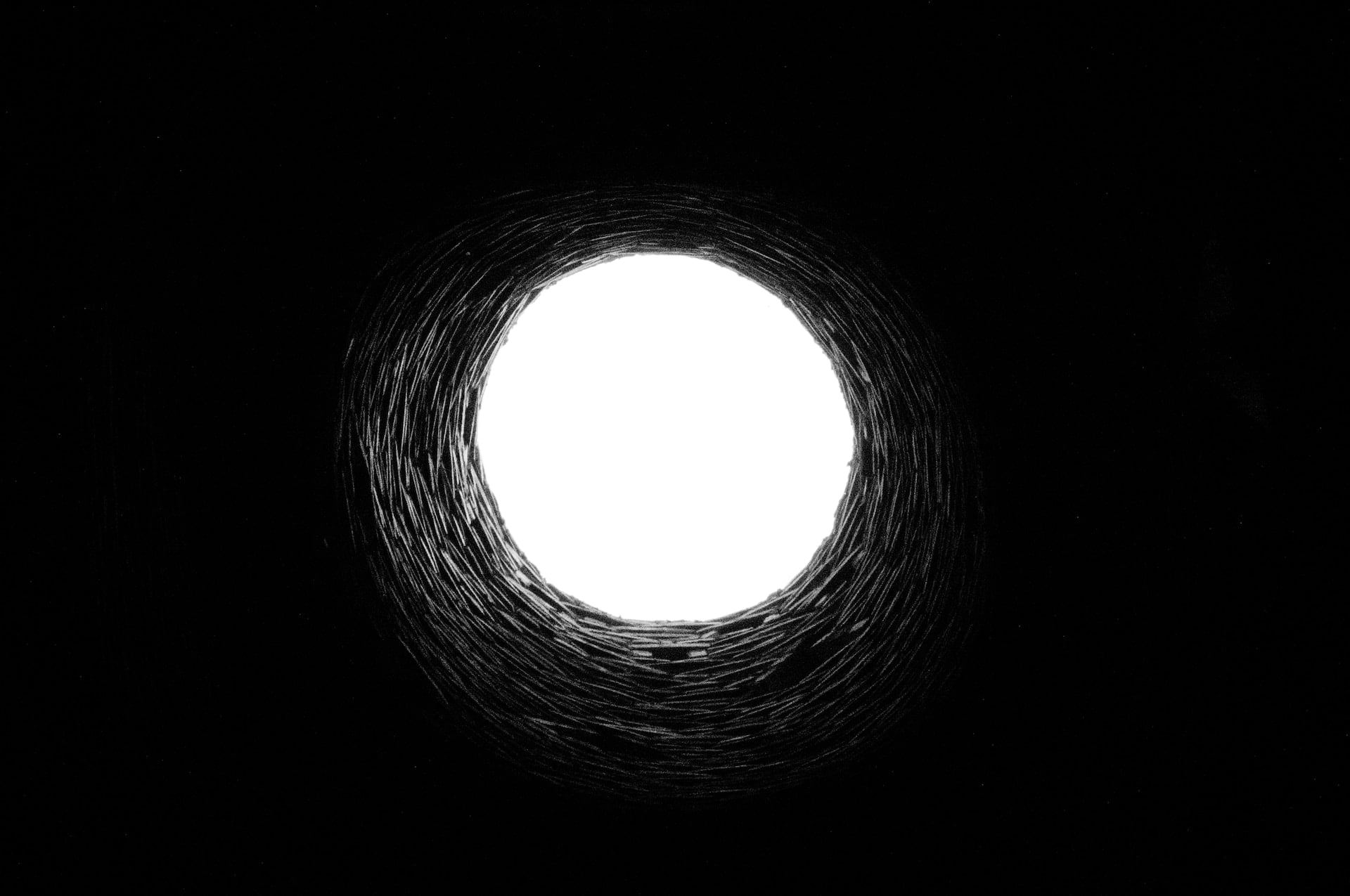
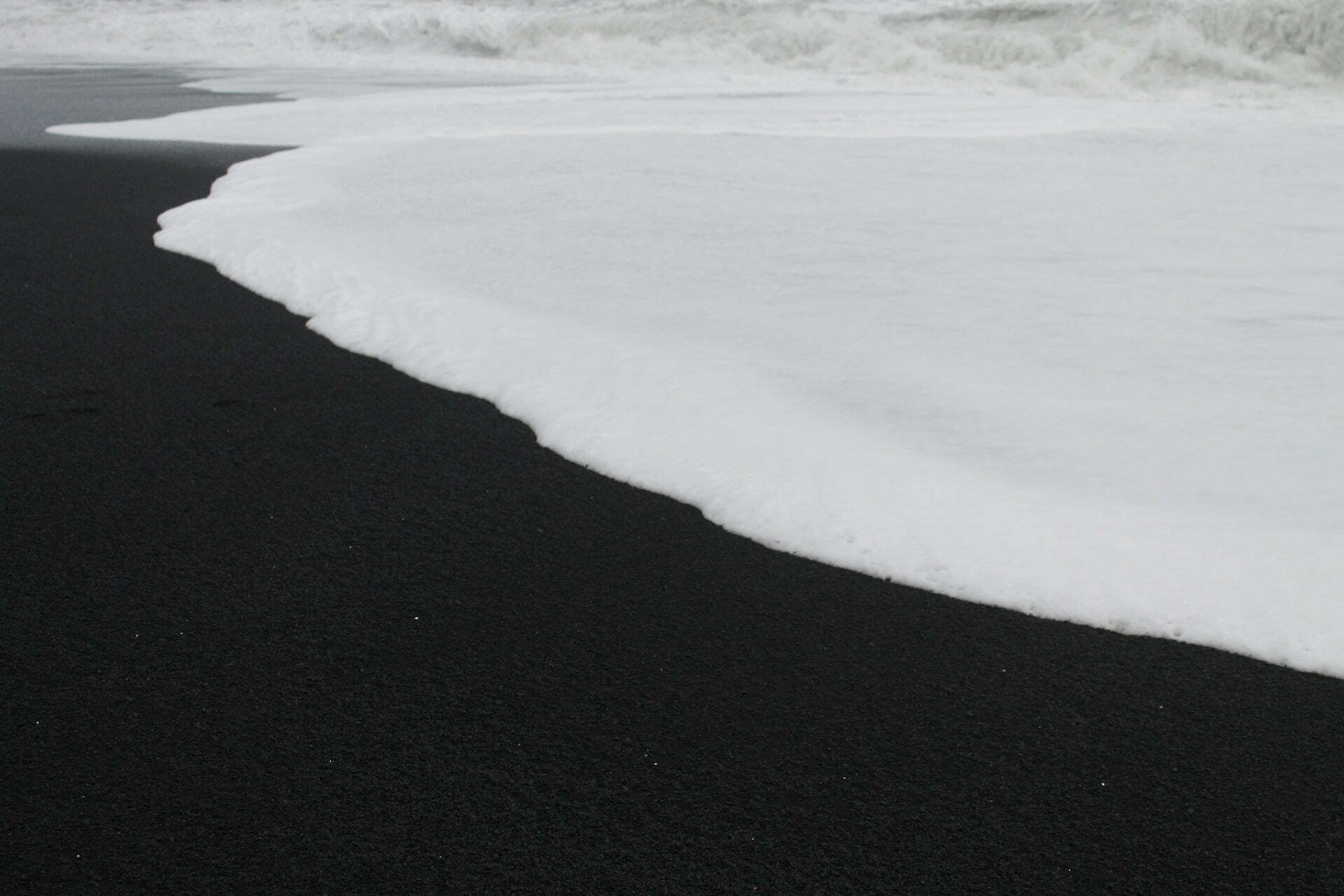
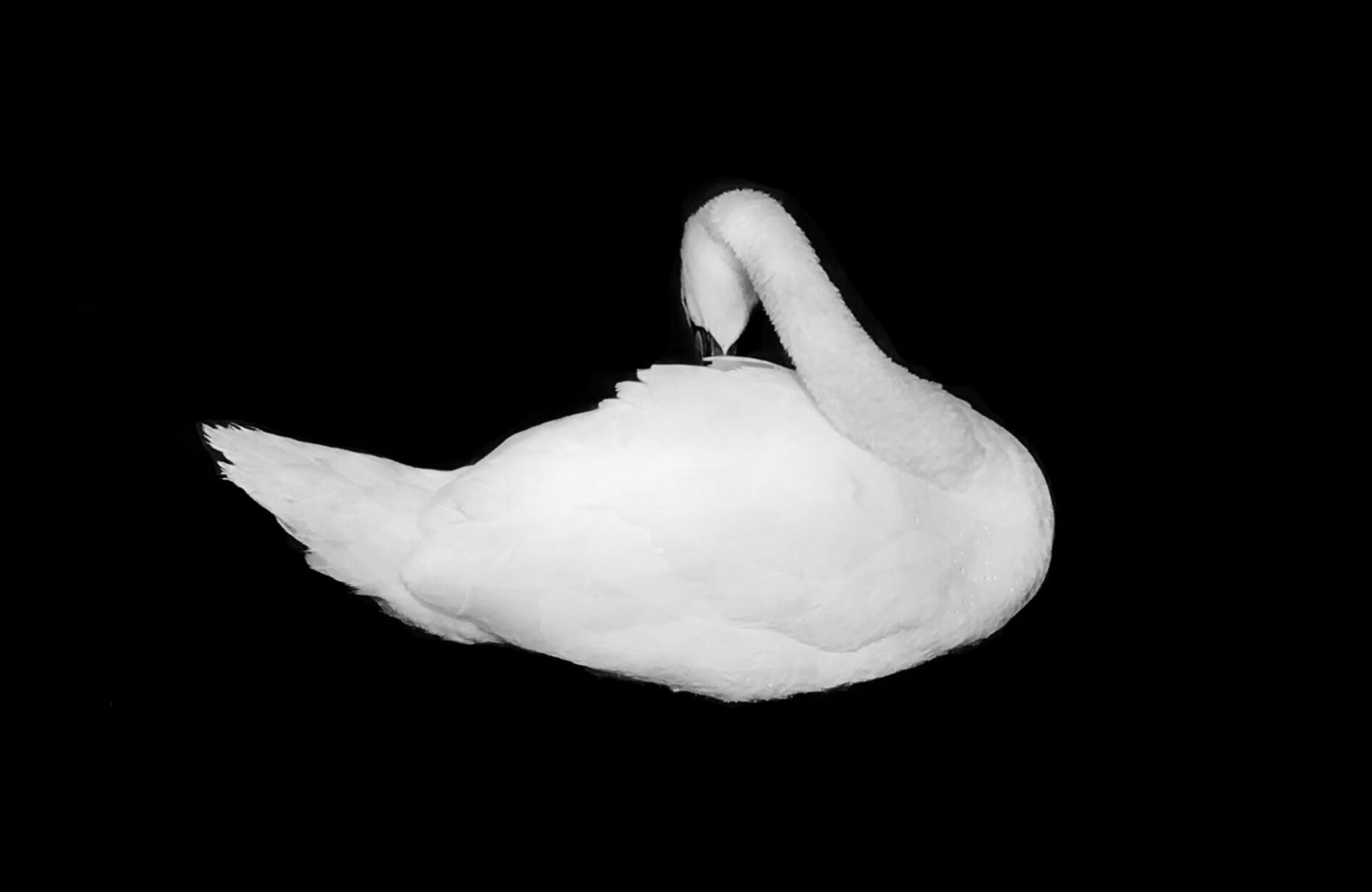
A tiles gallery with text blend mode set to Difference, so one white title reads dark over a pale sky and light over shadow.
Sand Dune
Deep Well
Let’s Chat

Wave Cascades
Clouds

White Swan
What blending does to a title on a photo
Every skin draws a layer over the image. On Fade the title sits on it. Blend Mode decides how the color of the layer mixes with the pixels beneath, written out as the overlay’s CSS mix-blend-mode. The browser does the mixing, so the uploaded file never changes. Difference inverts what is underneath, which is why one white title comes out dark over a pale sky and light over a shadow.
The alternative is a flat overlay color with alpha. It is free and predictable. That is also the problem. One opacity covers every frame, so a title over a bright photo washes out while the same title over a dark one turns heavy. Blending takes its contrast from the image instead. These tiles run Difference against an image filter of contrast 1.4 and saturation 0, so the text works against gray rather than color.
Sixteen values and their defaults
Blend Mode is in the Colors group of the Skin panel, on the Overlay tab of all five skins and on the Caption tab of Emerge and Caption Move. The skin settings reference carries the numbers below.
- The list runs Normal, Multiply, Screen, Overlay, Darken, Lighten, Color Dodge, Color Burn, Hard Light, Soft Light, Difference, Exclusion, Hue, Saturation, Color and Luminosity, with Normal as the default.
- Overlay Background takes a color or a gradient with alpha. It starts black on Fade and Fly, black at 20 percent on Classic and Emerge. Overlay Text starts white.
- Text Align puts that text in one of nine positions, Center by default, on Fade and Fly only.
- Overlay Display starts on Hover State Only, with Default State Only and Always beside it.
- Image Filter carries 17 presets, Inkwell and Moon among them, or custom Brightness, Contrast, Saturation, Grayscale, Sepia, Opacity, Hue and Blur.
- The pattern here is 1|1,0.5|, a single column of half height tiles. Tiles allows 6 columns and 24 tiles in a pattern, the Edit Tiles modal holds 27 presets, and Gap defaults to 15 px.
What to click in the editor
- Add the Visual Portfolio block, pick Media in the setup wizard and click Add Media. Open Layout, choose Tiles, then open Edit Tiles and take the single column preset, or type 1|1,0.5| into the custom field.
- Leave Skin on Fade. On the Overlay tab open Colors, choose Background and Text, then set Blend Mode to Difference. Try it against your palest photo and your darkest.
- On the Image tab add a custom Filter with Contrast at 1.4 and Saturation at 0. Set Click Action to Popup, Title Source to Item Title, Description Source to Item Description.
Free tiles, paid blending
Two of the settings behind this gallery need a license, and the free plugin marks both of them Premium Only. Everything else, the Tiles layout, the Fade skin, the Media Library source and the lightbox, comes from the free plugin on WordPress.org. Pro is a single download that already contains it.
- Free: Overlay Display, Text Align, the overlay Background and Text colors, the tile presets and any custom pattern you type.
- Pro: Blend Mode on the overlay and on the Emerge and Caption Move captions, Image Filter and Transform for the normal and hover state, Typography, Dimensions and Move Overlay Under Image.
- The free versus Pro table lists the split in full, and the licenses are on the pricing page.
Questions about blended overlays
Why does a half height tile cut the top off my photo?
Tiles crop to the shape of the tile, always. In 1|1,0.5| that shape is wide and short, so a portrait frame gives up most of its height. Set the image focal point in its Media settings and the crop keeps what you picked. Masonry or Justified with Aspect Ratio on Auto leave whole frames alone, which why images get cropped covers.
Where does the blended title go on a phone?
Nowhere, on the default setting. A touch screen sends no hover, so an overlay left on Hover State Only is never drawn and neither is the blend. Set Overlay Display to Always and the title stays on the image for every visitor. Move Overlay Under Image is the Pro alternative, dropping the text below the picture under 320, 576, 768, 992 or 1200 px, as the responsive hover overlays demo does.
Why does one wide tile look soft?
A single column stretches one photo across the full content width. Galleries serve the Extra Large (VP) file at 1920 px and nothing is ever scaled up, so a 1200 px upload is enlarged by the browser. Upload wider, or regenerate thumbnails if the photos went up before the plugin did, as why images look blurry explains.